How to Build a Multilingual Website (2026 Guide)
By Sam Codes · · 7 min read
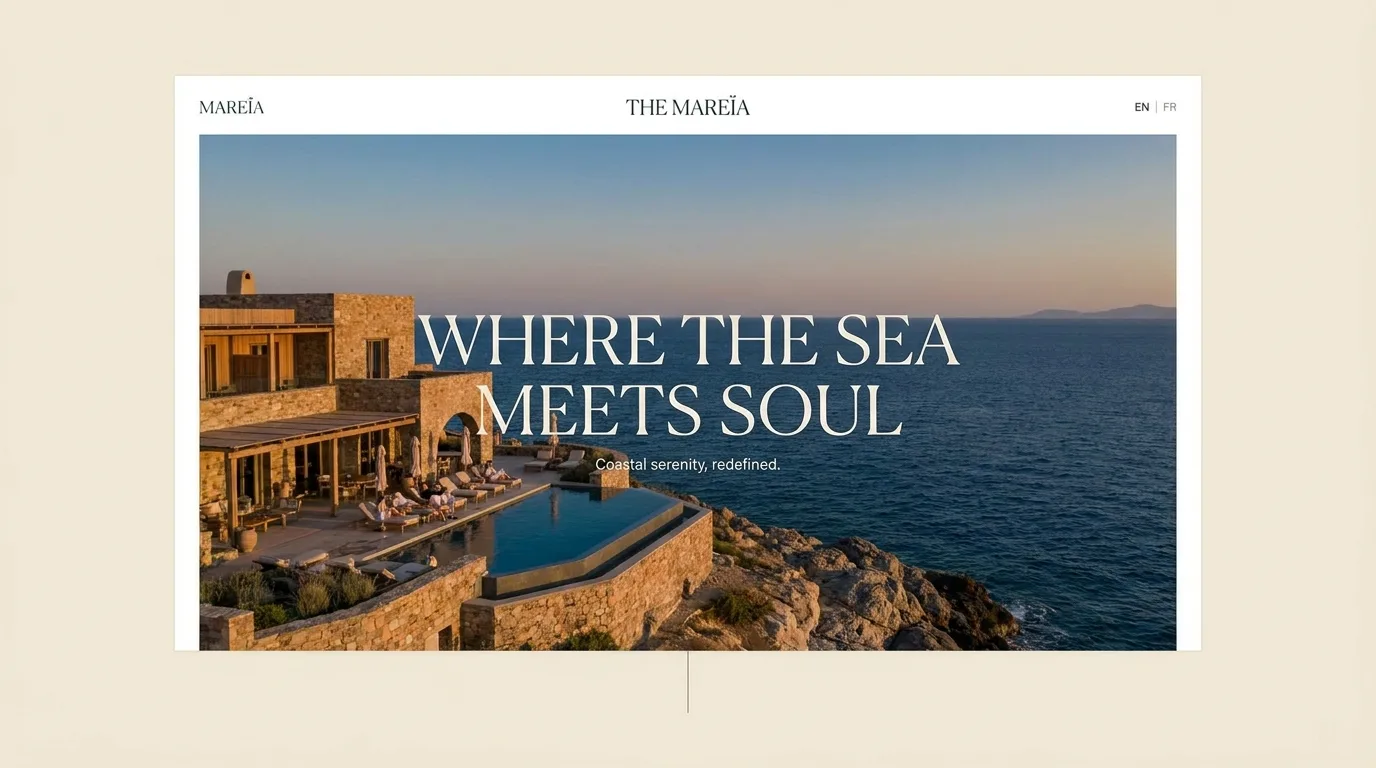
If your customers do not all speak the same language, a single-language website quietly turns some of them away. A multilingual site meets people in the language they think in, which builds trust and, done right, opens you up to search traffic you would never reach in one language.
This guide covers when a multilingual website is worth it, how to structure the languages so search engines index them properly, how to handle translation, and how to add a language switcher without code.
Do you actually need a multilingual website?
Not every business does. A multilingual site is worth the effort when you genuinely serve people in more than one language: a business in a bilingual city, a shop that ships internationally, a service whose clients span countries. If everyone who buys from you reads one language comfortably, a second one is just overhead.
The clearest signal is your customers. If you already get enquiries in another language, or your market obviously spans them, a multilingual site pays off.
- You operate in a bilingual or multilingual region
- You serve customers in more than one country
- You already field enquiries or reviews in another language
- A second language opens a market you cannot reach in one
Get the structure right (this is the SEO part)
The single most important decision is that each language lives at its own web address, because that is what lets search engines index and rank each version. Do not translate a page on the fly with no separate URL, give every language its own real, crawlable pages.
Separate paths per language
The common, simple approach: /en/ and /fr/ (or /es/) prefixes, one set of pages per language under a clear path. Easy to manage and easy for search engines to understand.
Tell search engines about each version
Each page should point to its counterparts in other languages (via hreflang tags) so Google shows the right one to the right person and does not treat them as duplicate content. A good builder handles this wiring for you.
Do not force a language by location
Auto-detecting someone's country and forcing a language is tempting and usually a mistake, it traps travelers and expats in the wrong language and confuses search crawlers. Offer a switcher and let people choose.
Translate for humans, not just words
Machine translation has gotten good, but a website is your brand voice, and a literal translation rarely carries tone. Use AI or a translation tool for the first pass, then have a native speaker review anything customer-facing, headlines, calls to action, and key selling points especially.
Small errors in a headline or a button do more damage than you would think, they quietly signal "this was not made for you." The body text can be machine-translated; the moments that matter deserve a human eye.
- Use AI or a translation tool for a fast first pass
- Have a native speaker review headlines, buttons, and key copy
- Watch dates, currencies, and formats, they differ by locale
- Keep both versions in sync when you update content
The language switcher
The switcher is how people move between languages, and it should be obvious and consistent. Put it in the top navigation where people expect it, label languages by name ("English / Francais," not just flags, since flags do not map cleanly to languages), and keep someone on the same page when they switch rather than dumping them on the homepage.
- Place the switcher in the top navigation, where people look for it
- Label languages by name, not only by flags
- Keep the visitor on the same page when they switch languages
- Make the current language obvious at a glance
How to add languages without code
Building and maintaining parallel sites by hand is where multilingual projects usually stall. The faster way is to describe it, "add a French version of the site with a language switcher," and have the structure, the switcher, and the SEO wiring built for you, then refine the translations.
How Looops builds multilingual sites
Looops is an AI website builder you drive by chatting. Ask for another language and it adds a properly-structured version with its own pages, a language switcher, and the SEO wiring so search engines index each language, then you refine the translations by talking: "make the French tone warmer," "fix the wording on the pricing page."
You manage one site, not several, and updates stay in sync, so a second language does not become a second job.
- Add a language and get real, crawlable pages for it
- Language switcher and hreflang SEO wiring handled for you
- Refine translations by describing the change, page by page
- One site to manage, versions stay in sync
- Publish with hosting included, live the same day
Build a site in every language you need
Describe it and Looops builds a multilingual site, switcher and SEO included. Free to start.
Free plan available, no card required
Frequently Asked
Questions.
Keep reading
Ready to build your website?
Describe what you want and Looops builds it. Free to start, no card required.
Start building free