Your personal websitelive in minutes
Describe yourself and Looops builds the whole site, your bio, your work, your links and a way to reach you.
Free to start, no card required.
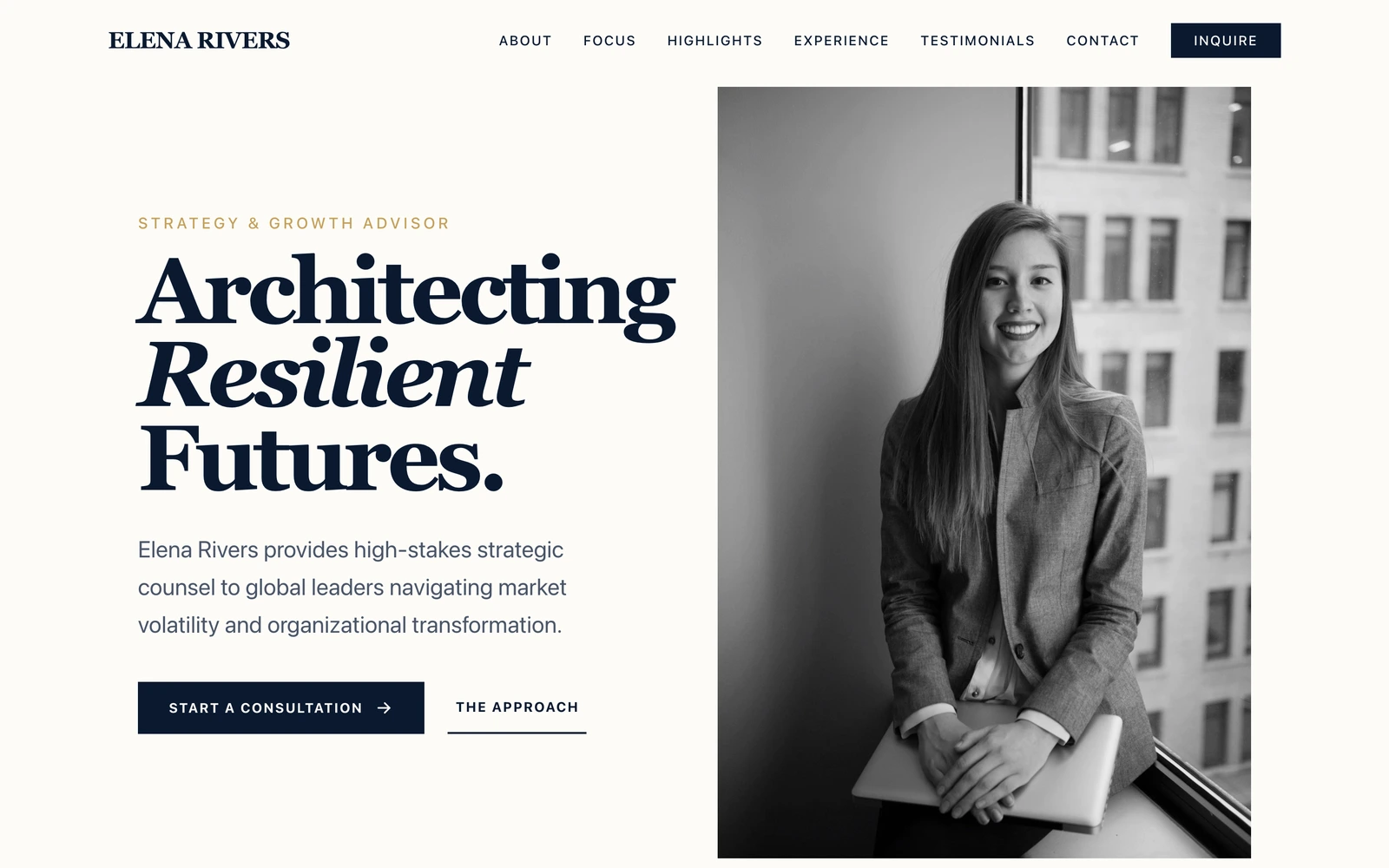
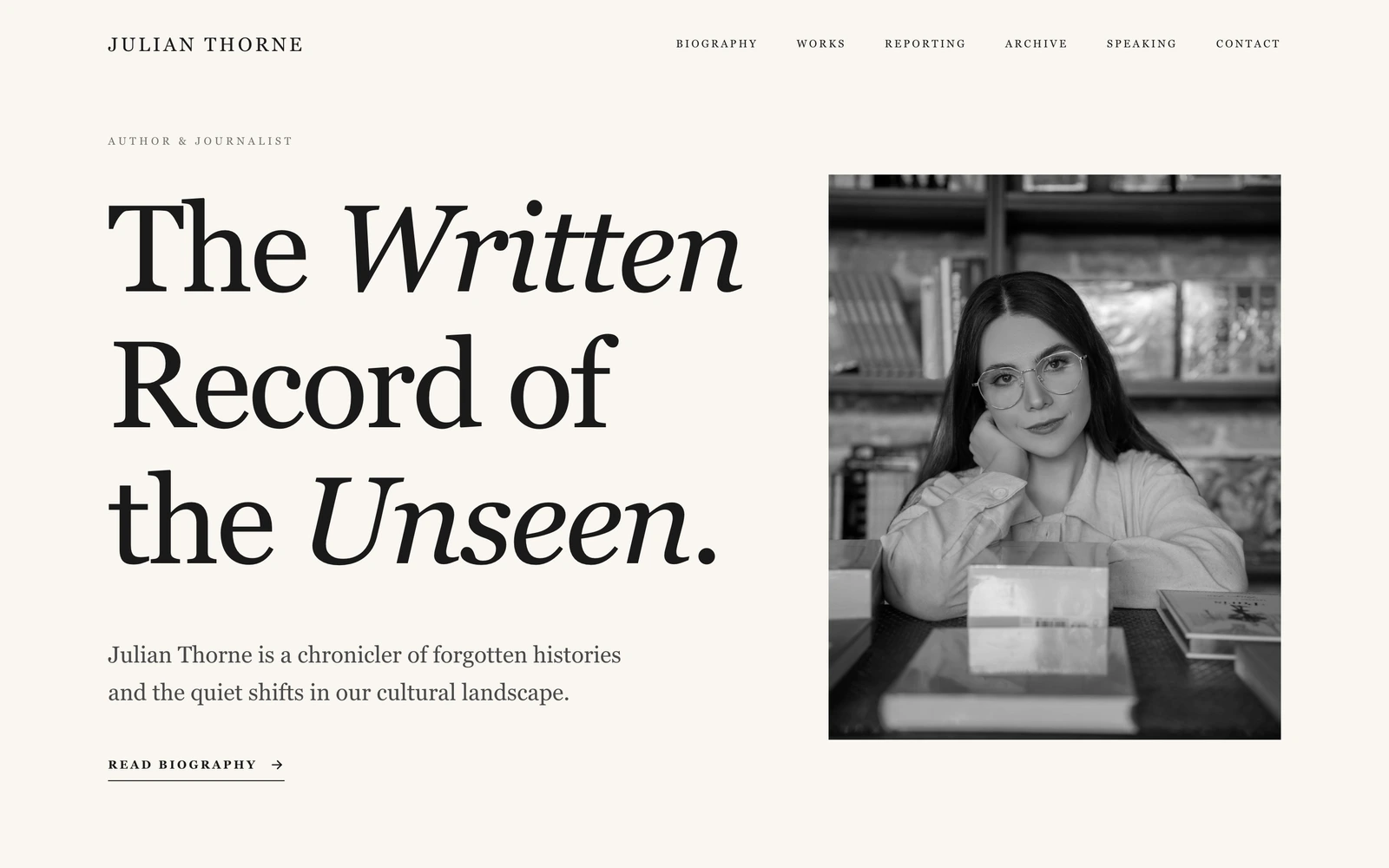
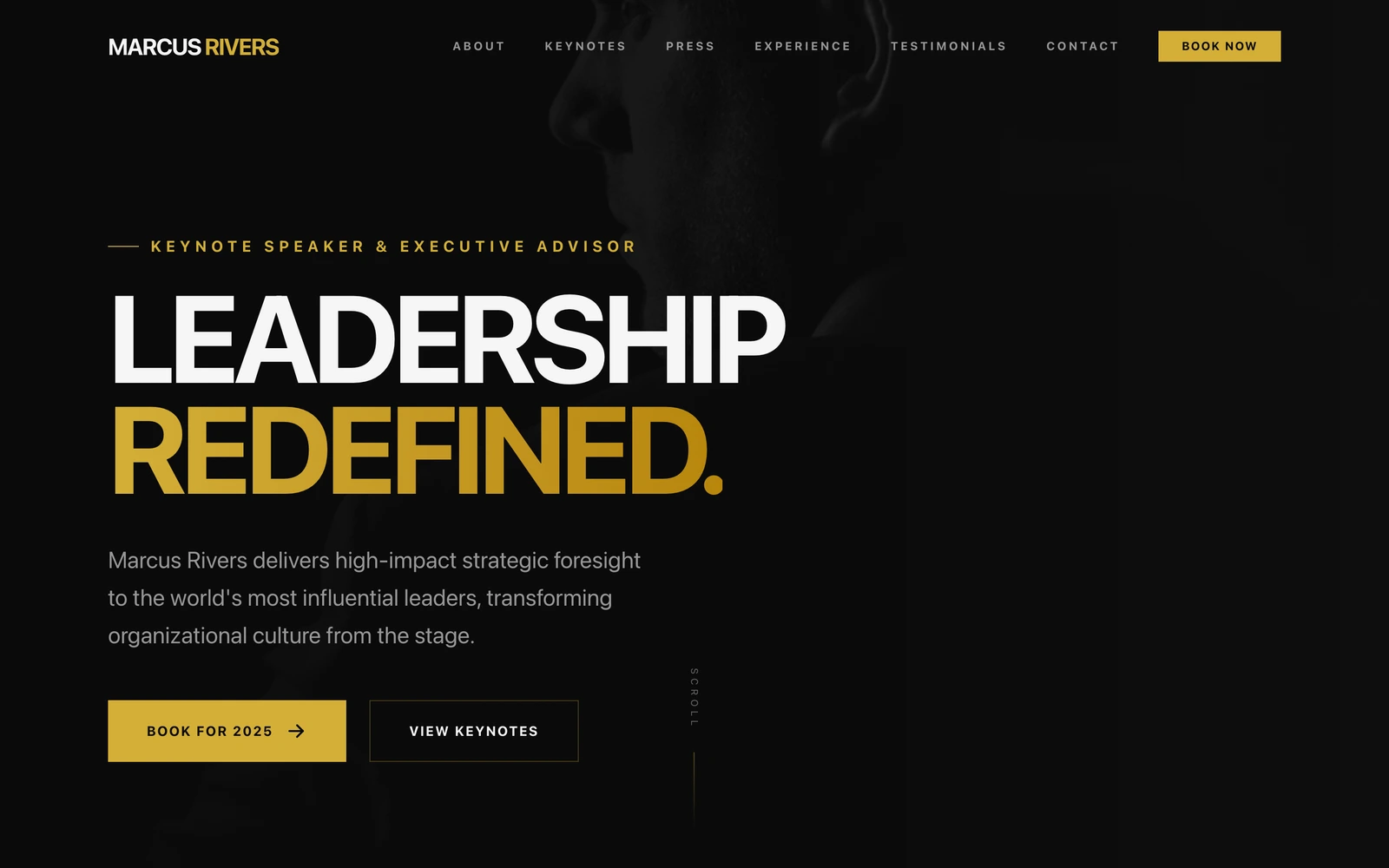
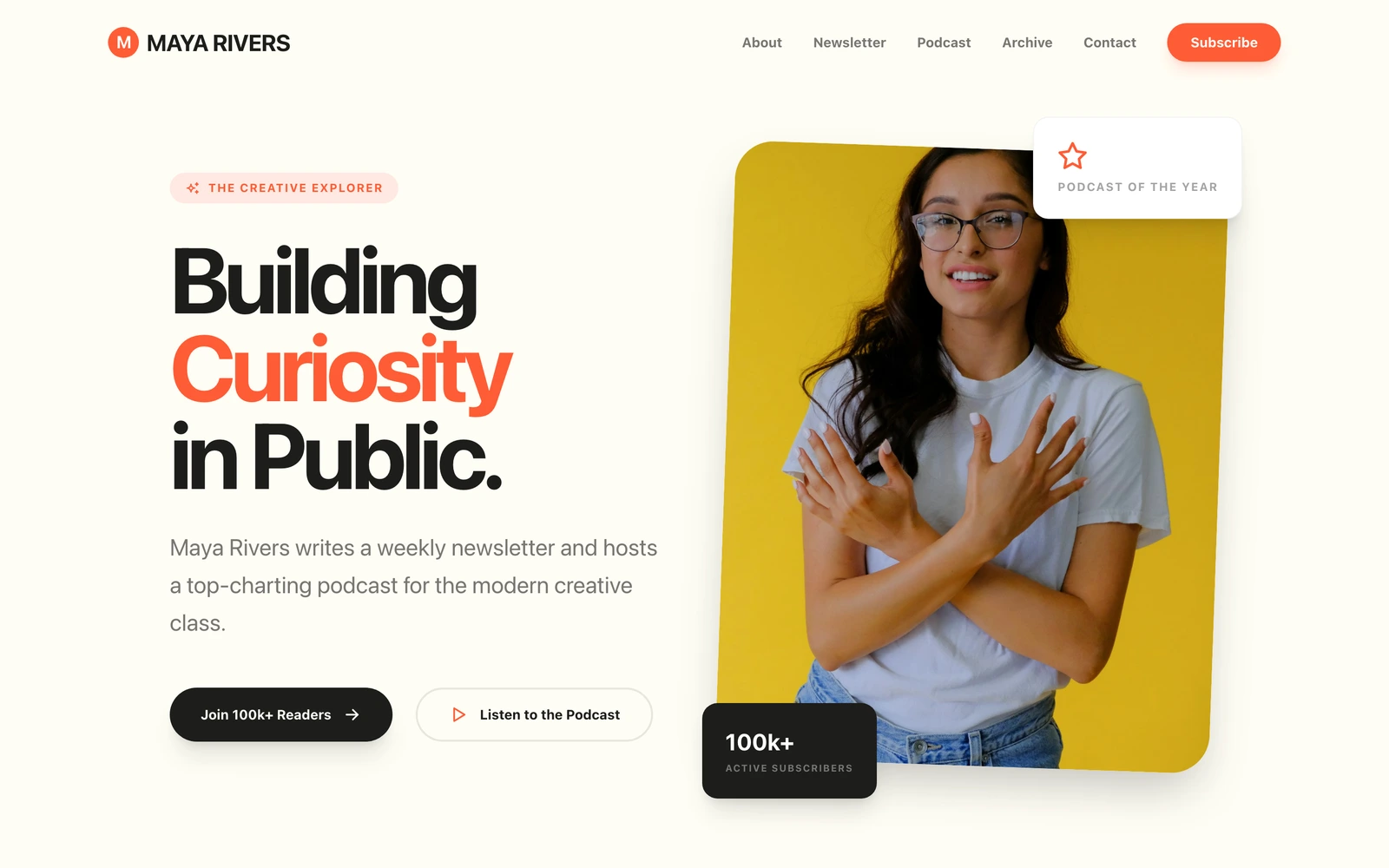
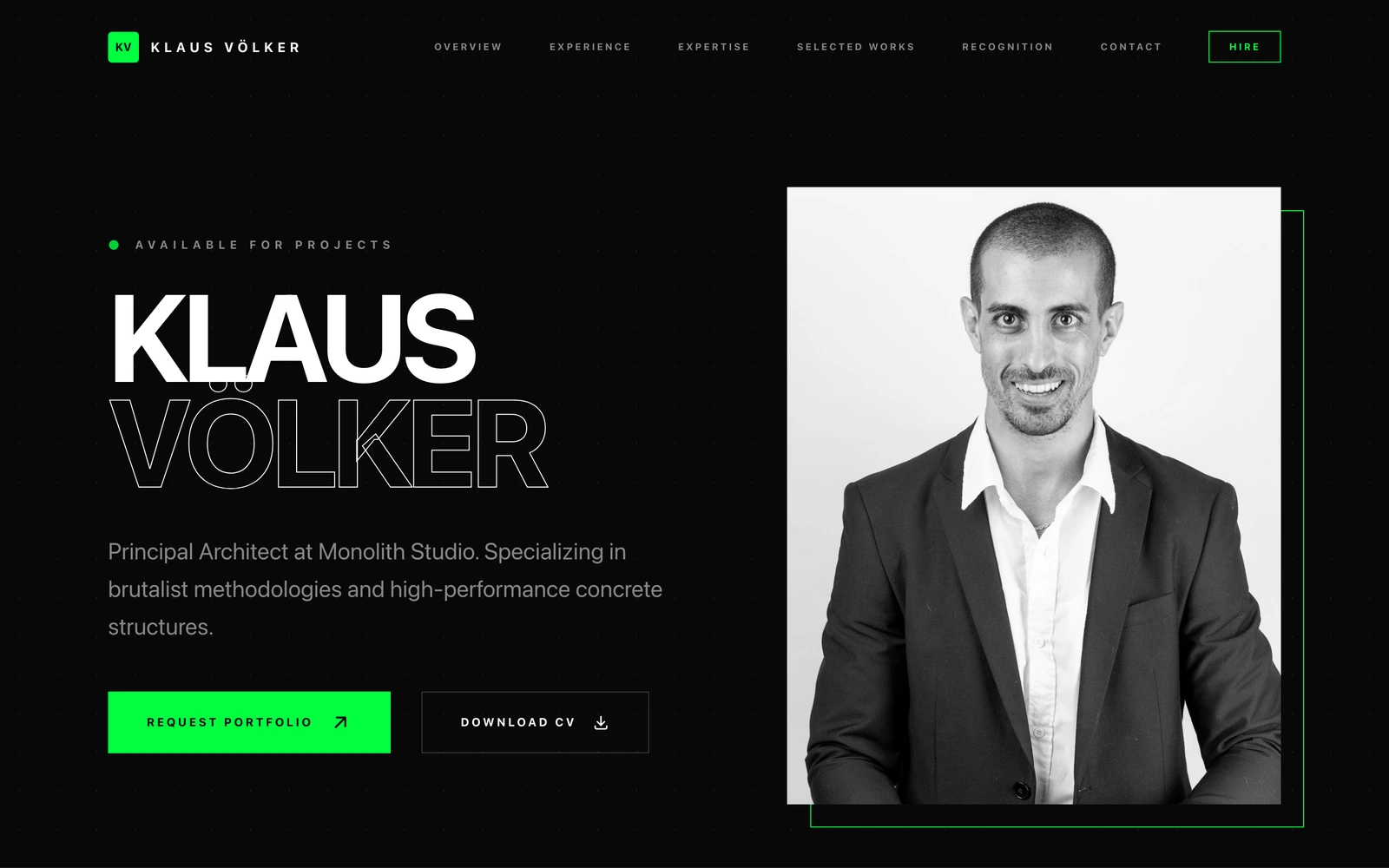
A personal website from a sentence.
Tell Looops who you are and watch a full personal website build itself in seconds, bio, highlights, links and contact, sounding like you, not a template.

Clear thinking,
for decisions
that matter.
I help founders make the three or four decisions a year that actually matter. Fifteen years, two exits, no jargon.

A better way to get online.
A LinkedIn profile looks like everyone else's. A template makes you fill it in.
Looops builds a page that sounds like you, and it stays yours.
Profiles and template builders
Everyone looks the same
You look like everyone else
A LinkedIn profile or a link-list page has the same layout as ten million others. The one thing a personal site is for, standing out, is the thing they can't do.
Templates make you do the work
Pick a theme, then spend a weekend writing sections, arranging blocks and second-guessing fonts. Most people give up with the site half-finished.
Their address, their branding
A profile lives on someone else's domain with their logo and their ads. Search your name and the platform wins, not you.
Scattered across five links
Your writing here, your talks there, your CV as a PDF somewhere. Anyone curious about you has to go find the pieces.
Building it with Looops
One page that is unmistakably you
Built from who you actually are
Describe what you do, consultant, writer, researcher, speaker, and Looops designs a one-off site around your story, your tone and your field.
Your name on your own web address
yourname.com on your business card and in your email signature. When someone searches you, your site is the answer.
Everything about you in one place
Bio, highlights, writing, talks, testimonials and a contact form, organised for you from one description, easy to keep current by just asking.
Live tonight, free to start
The whole site is built in minutes and you can preview everything for nothing. Going live costs less than a month of most portfolio subscriptions.
Ready to own your name online?
Build your personal websiteEverything your name needs.
Nothing you have to learn.
The same builder behind every Looops site. Describe yourself and it's built, bio, highlights, links and contact, all editable by just asking.
Add anything to your personal website.
About, links and a blog
Pages that sound like you.
About Sam
Sounds like youEngineer by day, woodworker by weekend. I write about both, occasionally at the same time.
A contact form
Messages come straight to your inbox.
Say hello
A newsletter signup
Add your Mailchimp or Substack in a tap.
Get new posts by email
Your own custom domain
A web address that is yours.
Sam Harris
Notes and projects
Type it. Watch it appear.
Looops vs
the rest.
Other builders leave the setup to you. Looops builds your bio, work and contact from a sentence.
| Capability | LooopsAI-native · one-off design | SquarespaceTemplates · personal themes | WixTemplates · personal sites | GoDaddyTemplates · basic builder |
|---|---|---|---|---|
Describe yourself, get a whole site Say 'a strategy consultant with fifteen years and two exits' and get the bio, services, highlights and contact pages, not a blank theme to fill in. | ||||
A one-off design, not a shared template Looops designs a site around your profession and your tone. The others hand you a theme thousands of people already use. | ||||
Edit it by chatting Tell Looops 'add my new talk' or 'update my role' and it changes the site for you. No dragging boxes around. | ||||
Writing that sounds like you Your bio and section copy drafted from your description in your tone, then edited in your own words whenever you like. | ||||
Everything about you in one place Writing, talks, press, CV and links organised into real sections, so anyone curious about you finds it all without hunting. | ||||
Found when someone searches your name Fast, mobile-first pages built for search, so your site, not just your profiles, answers for your name. | ||||
A contact form that reaches you Inquiries land straight in your inbox with the details captured, no plugin setup, no exposed email address. | ||||
The site is yours to keep Download the whole site and host it anywhere. No platform holds your story, your writing or your domain hostage. | ||||
Flat, honest pricing The same price next year. No intro rate that jumps at renewal, no setup fee, no upsells. | ||||
Comparable plan Regular plan prices, billed annually, verified September 2026, not first-year promos. GoDaddy's intro rate is lower but renews to roughly $17-23/mo; Looops stays flat at $12, no renewal jump. | $12/mo | $19/mo | $17/mo | $21/mo |
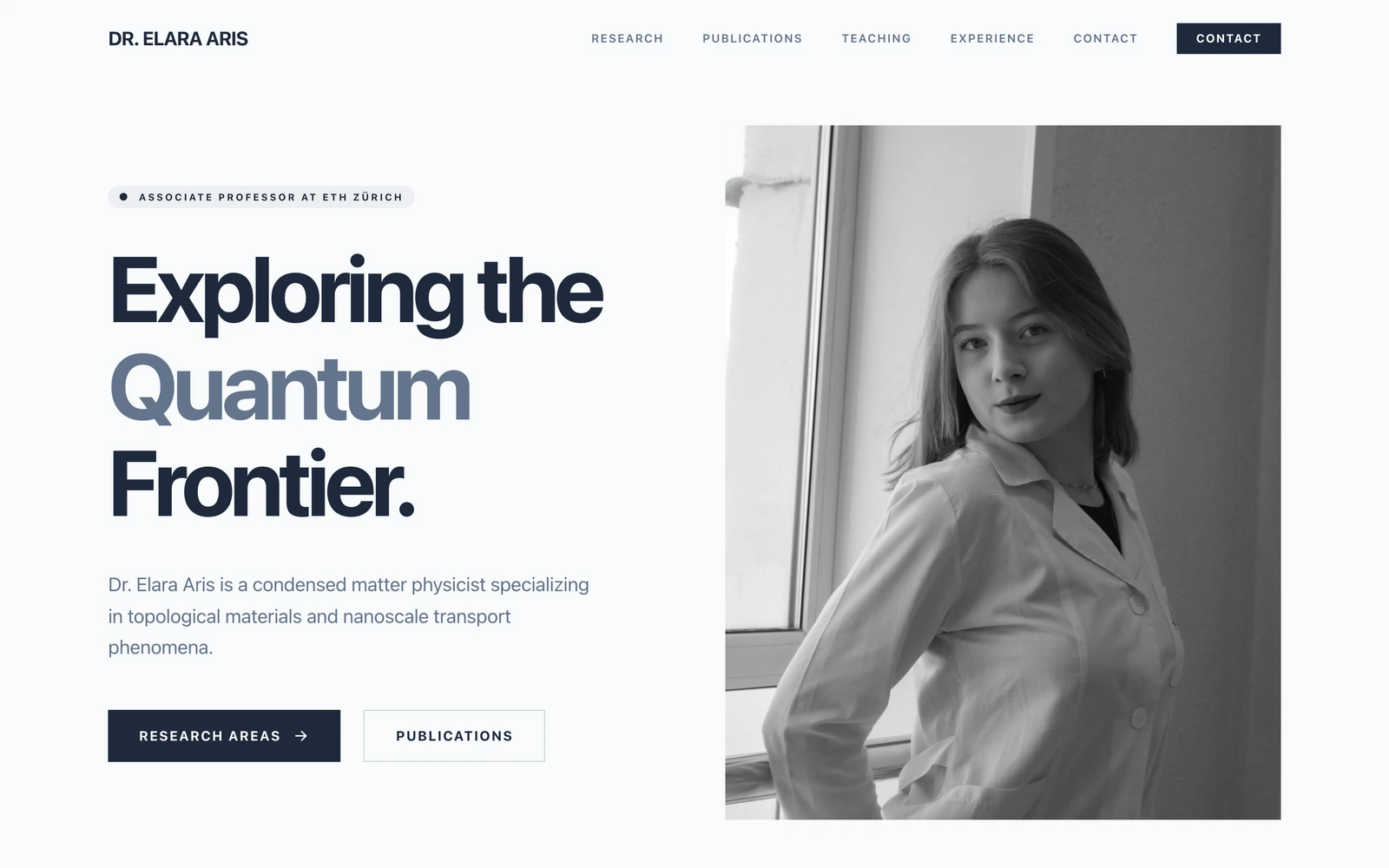
Build for free,
upgrade for more.
No card to start. Upgrade only when you need more.
Free
Try the AI builder. No card required.
Personal
Your own website on your own domain.
Pro
Unlimited websites and team collaboration.
Frequently Asked
Questions.
Own your name online tonight
Describe yourself and Looops builds a real personal website, bio, highlights, links and contact. Free to start.
Free plan available, no card required
Personal website templates
Browse the designs, then build yours from one prompt.
Related solutions
More things you can build with Looops in minutes.
Related guides
More how-tos from the Looops blog.