Looops vs Squarespace
Squarespace is famous for beautiful templates. Looops builds and publishes your site from a conversation, and because it's real code, it's yours to export and keep if you ever leave.
No credit card required · Free plan available


Why choose Looops over Squarespace
Squarespace ties you to its templates, with no real backend and no way to export your code, so you're stuck on its platform. Looops builds a custom site from a conversation in minutes, with a database, logins, and forms built in, and code you can download and own. You get AI speed and a real backend instead of a fixed template you can never take with you.
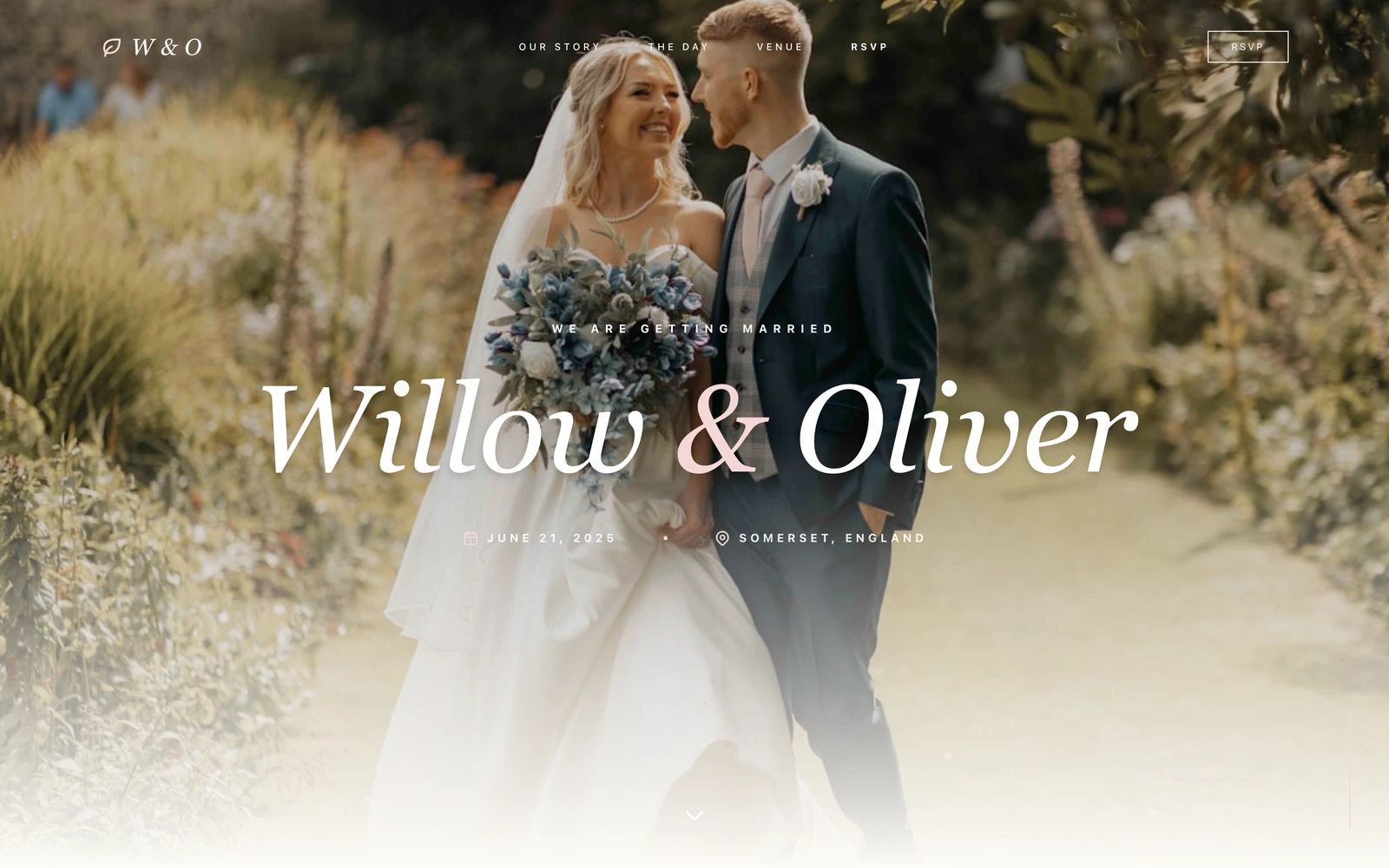
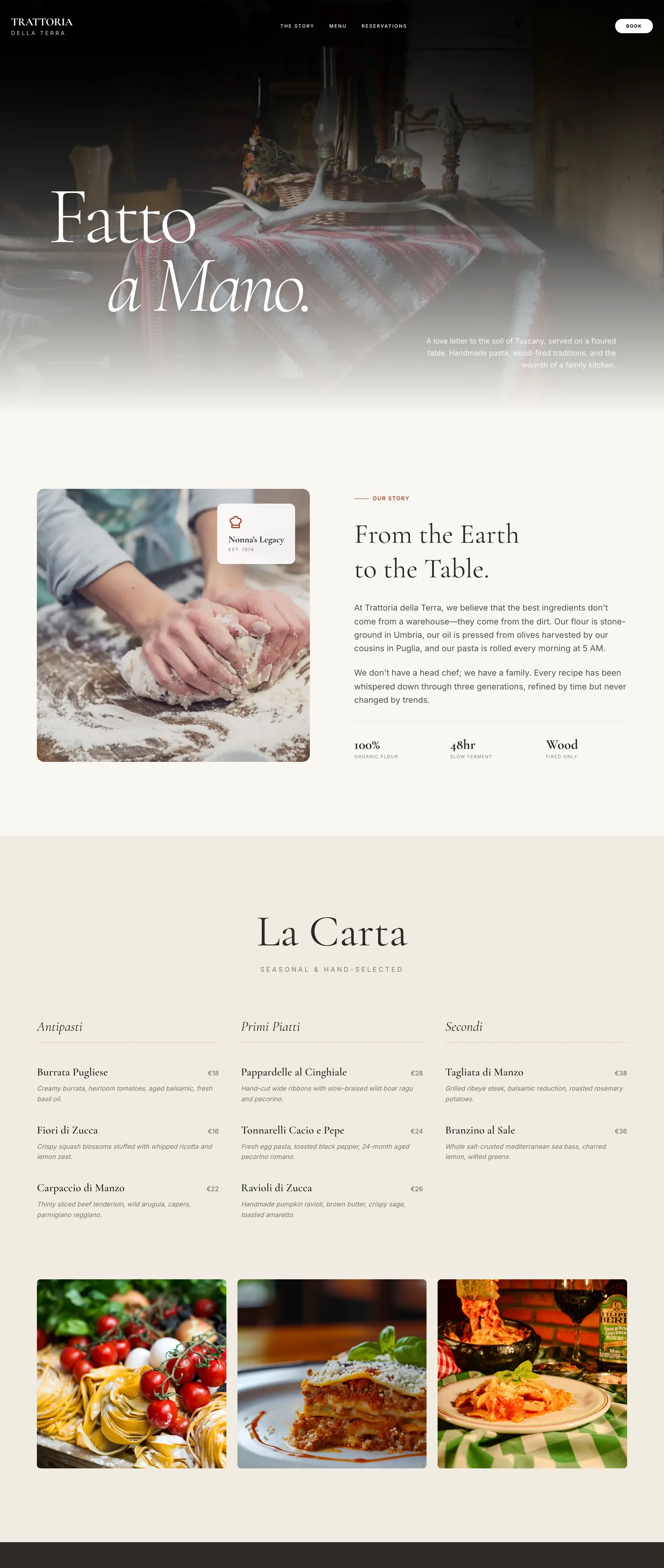
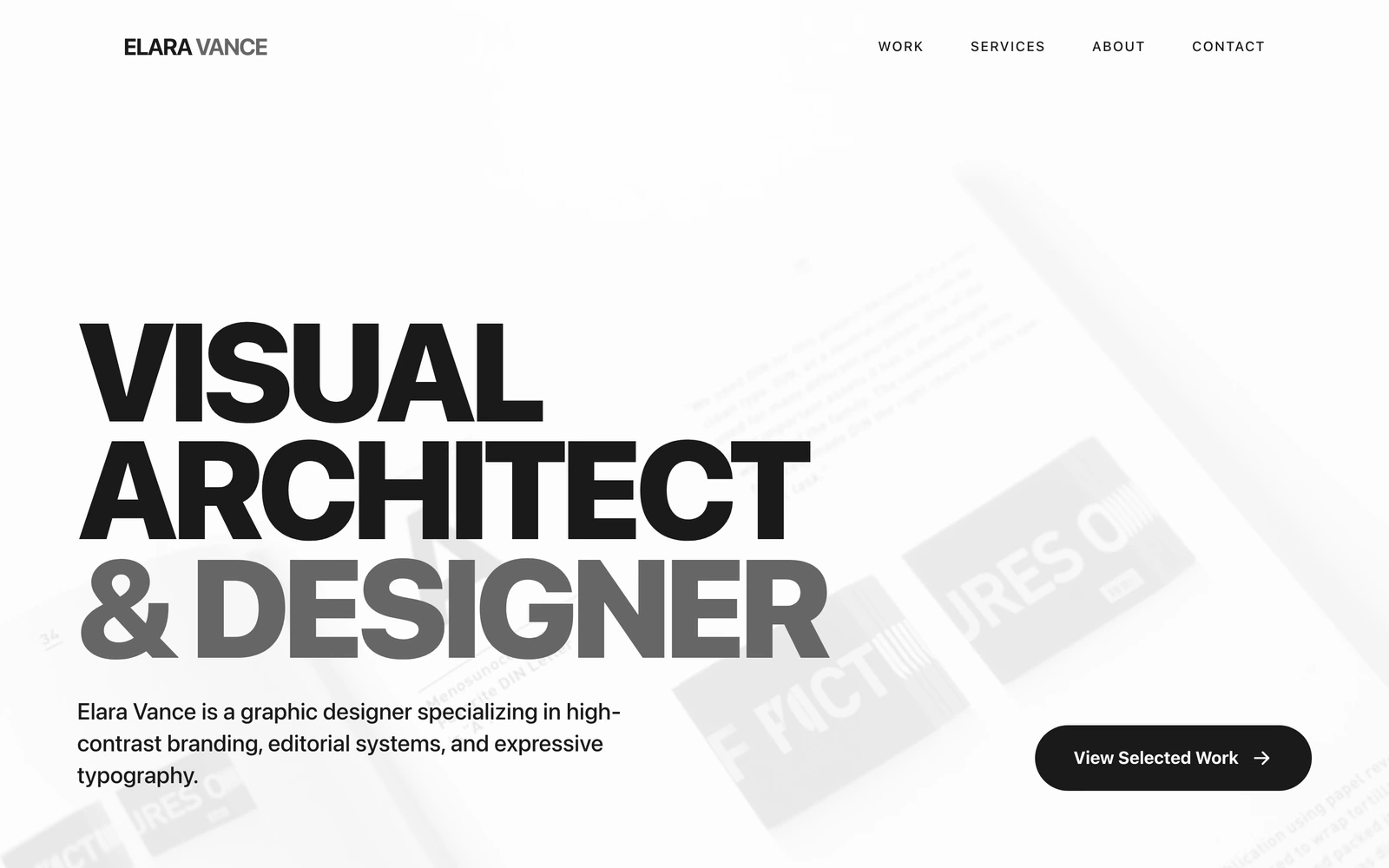
Squarespace is known for award-winning templates and a polished editing experience, with a Blueprint AI builder and an AI writing assistant included on every plan. For design-led portfolios, blogs, and small stores where you want a refined look out of the box, Squarespace is excellent.
Looops is an AI-native builder: you describe your site in chat, an AI agent builds it, and you can download your whole site and host it anywhere. You also get a real backend, a database, member logins, and forms, not just content management.
Below is a factual comparison of both, including where Squarespace is the better choice. Pricing and features were verified in September 2026; check Squarespace's site for the latest.
Looops vs Squarespace, feature by feature
A factual side-by-side. Where Squarespace is stronger, it's marked as such.
| Capability | Looops | Squarespace |
|---|---|---|
AI builds a full site from a prompt | ||
Chat-first AI agent you iterate with | ||
Export your site's source code | ||
Own your site & host it anywhere | ||
Open and portable, not a closed system | ||
Database & backend logic | ||
Member logins & user accounts | ||
Custom code (CSS / JavaScript) | ||
Designer-grade templates | ||
Built-in ecommerce | ||
Hosting & SSL included |
Absolute power.
Zero complexity.
The first professional web builder that feels like a conversation. No steep learning curves, just pure creation.
Where Looops is different
Publish on Looops, and own the code
Looops hosts and publishes your site, and because it's truly yours, you can download and own it anytime. Squarespace doesn't let you take your site elsewhere.
A real backend, not just a CMS
A database, member logins, and forms are built in, so you can build member areas, dashboards, and dynamic data, not only content pages.
Build by chatting
An AI agent builds and edits from your description, rather than starting from a fixed template.
Built to professional standards
Built the way professional studios build sites, so it stays fast, reliable, and easy for any developer to pick up later.
Looops
$12/mo
Squarespace
from $19/mo
Looops Personal is $12/mo (custom domain, database, and code export included). Squarespace plans start at $19/mo billed annually (the Basic plan rose from $16 in August 2026); monthly billing costs more. Higher Squarespace tiers add commerce features and lower transaction fees.
Squarespace features and pricing verified September 2026 from public sources and may change, see Squarespace's site for the latest.
Build for free,
upgrade for more.
No card to start. Upgrade only when you need more.
Free
Try the AI builder. No card required.
Personal
Your own website on your own domain.
Pro
Unlimited websites and team collaboration.
Looops vs Squarespace questions.
Compare Looops to other builders
Skip Squarespace. Build it with Looops.
Describe what you want, watch Looops build it, and export the code anytime.
Free plan available, no card required