Resume Website Template
Minimal, monochrome and immaculate. Built for professionals who want their resume to live at a link, not in a PDF attachment.
The prompt that built this site
“A resume-style personal website. My name and role up top, a short profile, experience with roles and dates, skills, education, selected accomplishments, and a contact section with a downloadable CV feel. Minimal monochrome with one accent, immaculate and precise.”
About this template
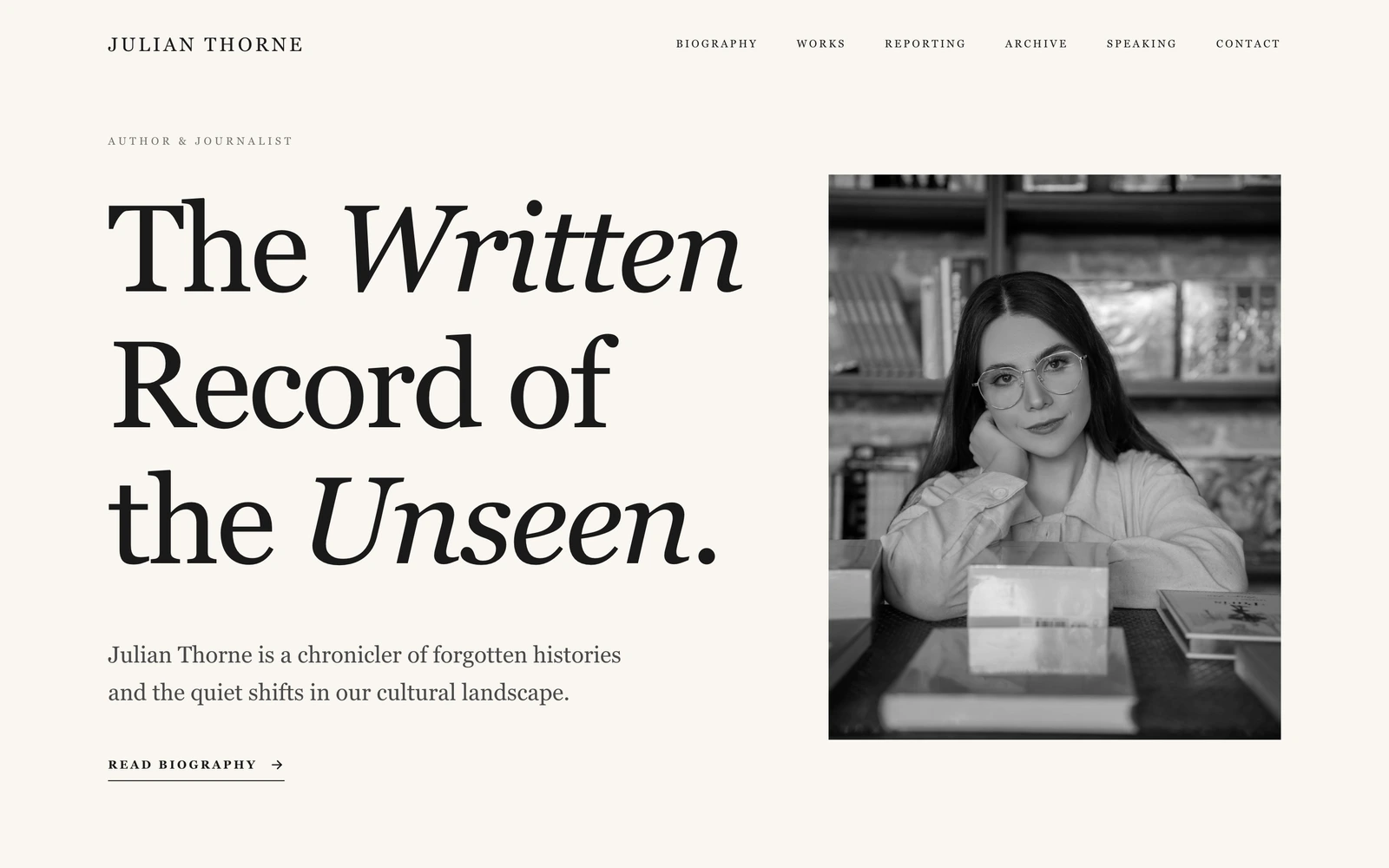
This resume website template turns a CV into a page worth sharing. Your name, role and an availability status sit at the top next to a Download CV button, so a recruiter can grab the full document or keep reading. An overview section pairs a short profile with at-a-glance numbers (years of practice, projects, awards), and an experience section lists your roles with companies, locations and dates in a clean, dated timeline.
Below that it does what a paper resume cannot: skills grouped into clear matrices, a selected works section with images that prove the record rather than just claim it, recognition with awards and short endorsements, and a working contact form so an interested hiring manager can reach you in one step. Swap the name, the roles and the projects by chatting, and it becomes your CV.
Who this is for
- Job seekers who want a resume that lives at a shareable link
- Freelancers and contractors pitching new clients
- Professionals replacing a PDF resume with a real web page
- Career switchers who need to frame their story clearly
- Anyone who wants a hire me page they fully control
Best use cases
Job applications
The dated experience, skills matrices and Download CV button give a recruiter everything a resume would, in an order that reads in seconds instead of a scroll of bullet points.
Freelance pitching
The stats, selected work and availability status turn a cold outreach into a credible pitch a prospect can act on immediately.
A permanent hire-me page
One link on your profiles and email signature points to a current, polished resume you update by chatting, not by re-exporting a document.
Getting started
- 1
Build it as your own
Click Build this site. The AI rebuilds this design as your own website in a few minutes, ready to edit.
- 2
Put your name on it
Tell it your name, role and one accent color, and the hero and profile adapt while keeping the precise, monochrome feel.
- 3
Load your history
Give it your experience, skills, education and selected work, and attach your CV for the download button.
- 4
Publish and connect a domain
Publish to your free Looops link, connect your own domain when ready, and share one link instead of an attachment.
The short version
A resume website should make a hiring manager stop scrolling. This template does it with precision and proof instead of a wall of bullets, and because the AI rebuilds it from a prompt, turning your CV into a page takes an evening, not a weekend in a design tool.
Key highlights
Experience with dates
Roles listed with company, location and dates in a clean timeline that reads faster than any PDF.
Skills in matrices
Your abilities grouped into clear categories, so a reader scans your strengths instead of parsing a comma list.
Download CV button
A prominent Download CV link keeps the traditional document one click away for recruiters who still want it.
Numbers at a glance
An overview strip of stats (years, projects, awards) that quantifies your record before the detail.
Selected work
A works section with images that show the accomplishments rather than just listing them.
Availability and contact form
An availability status up top and a working contact form, so a hiring manager reaches you without leaving the page.
Related examples
See the full personal guide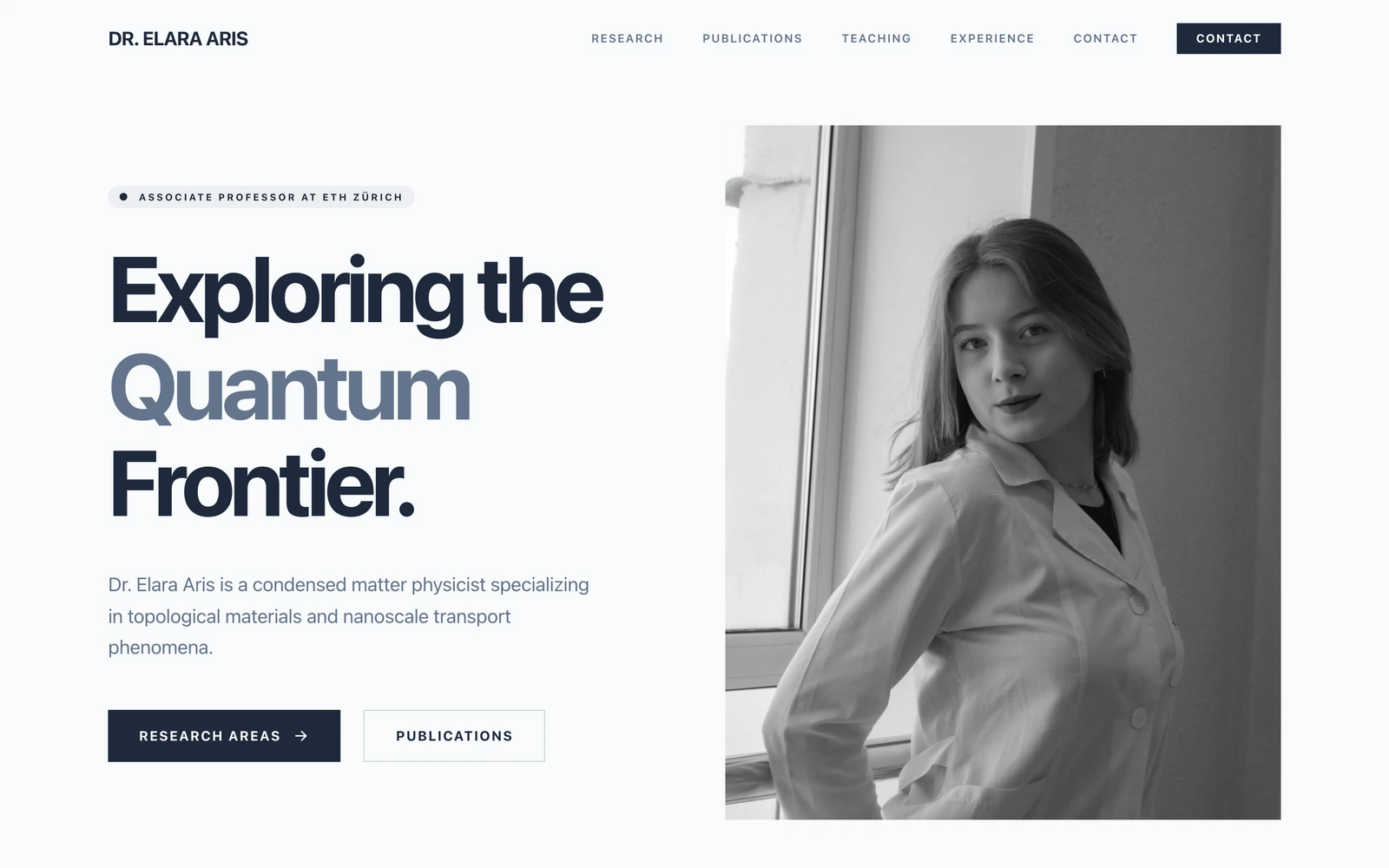
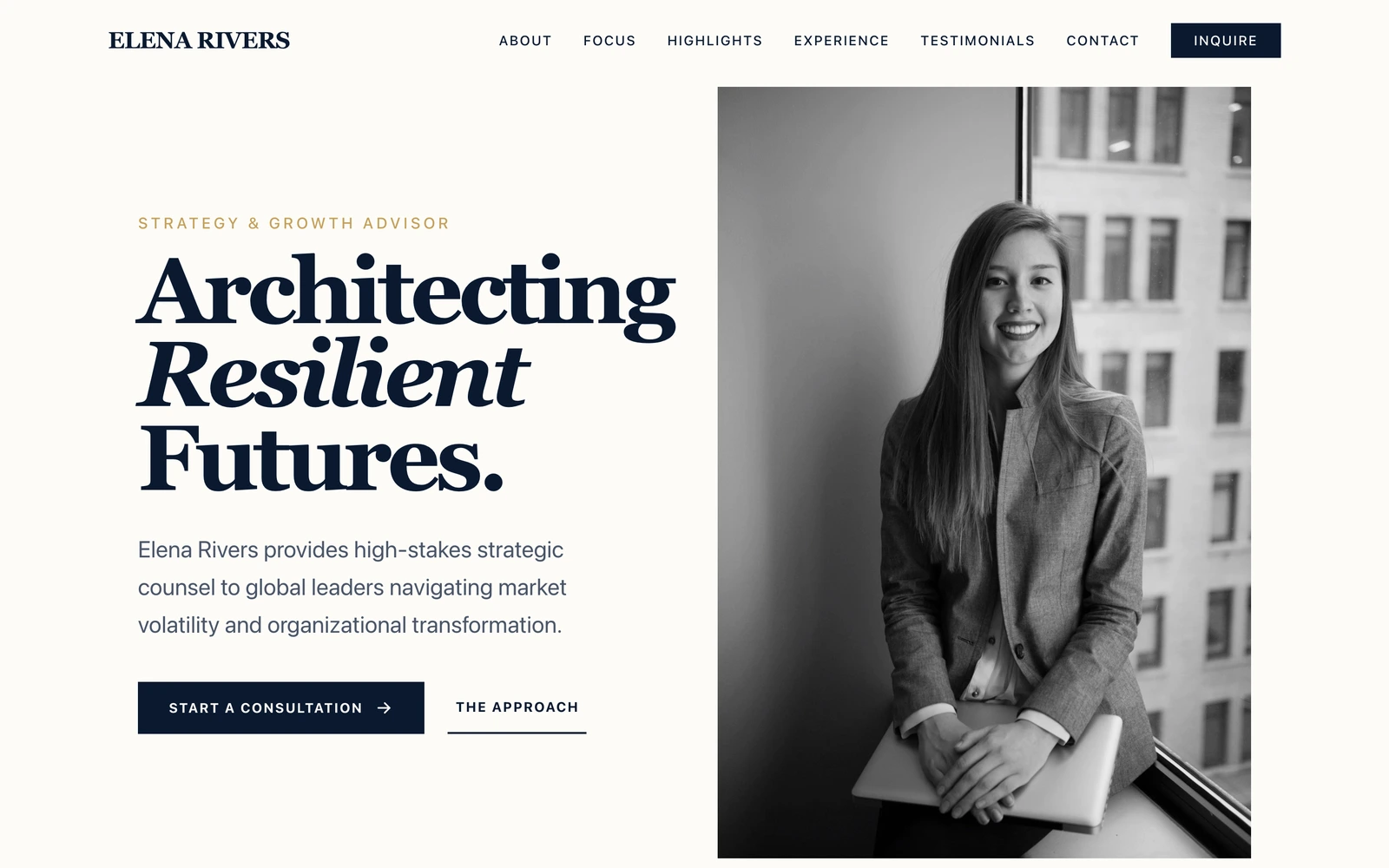
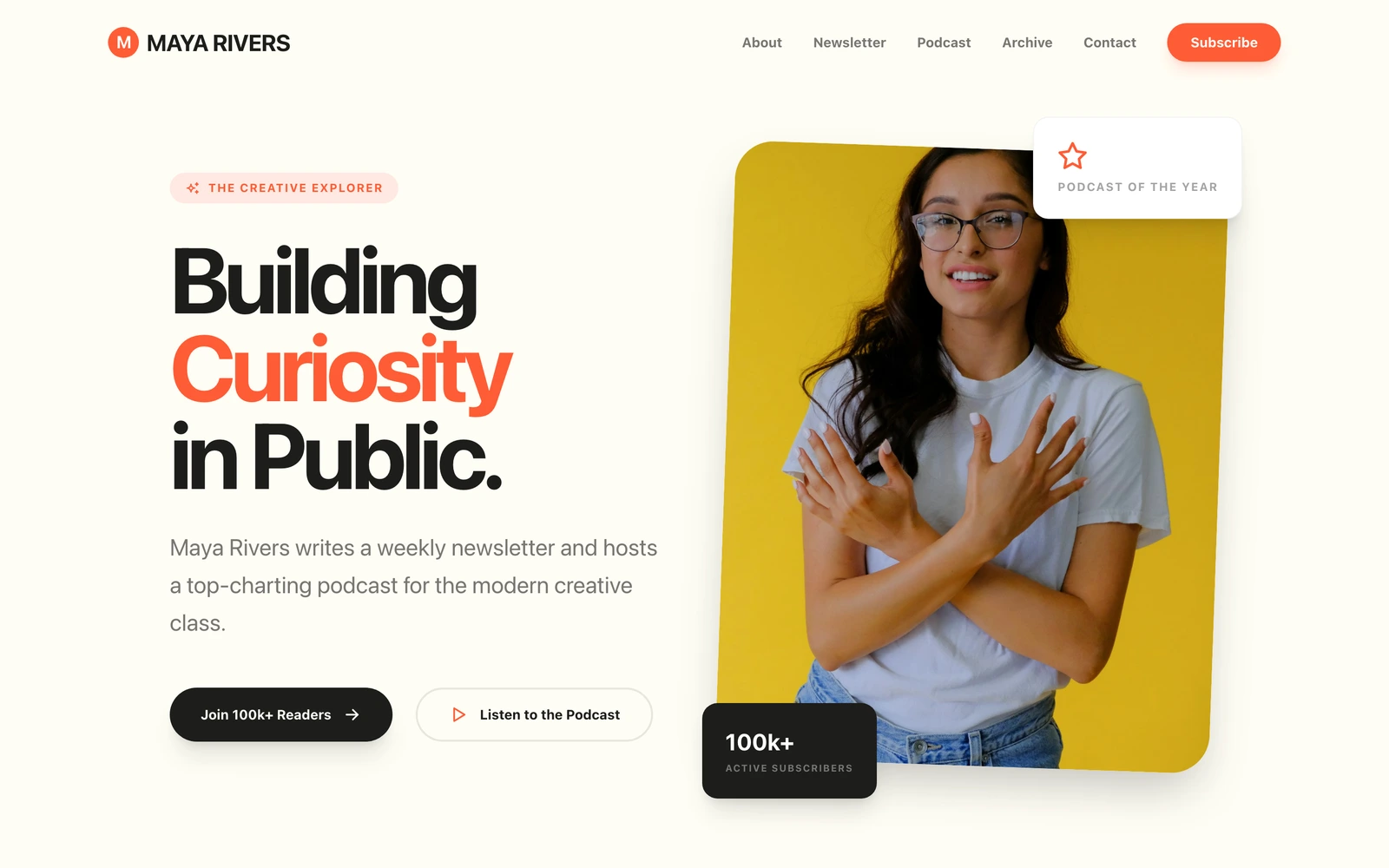
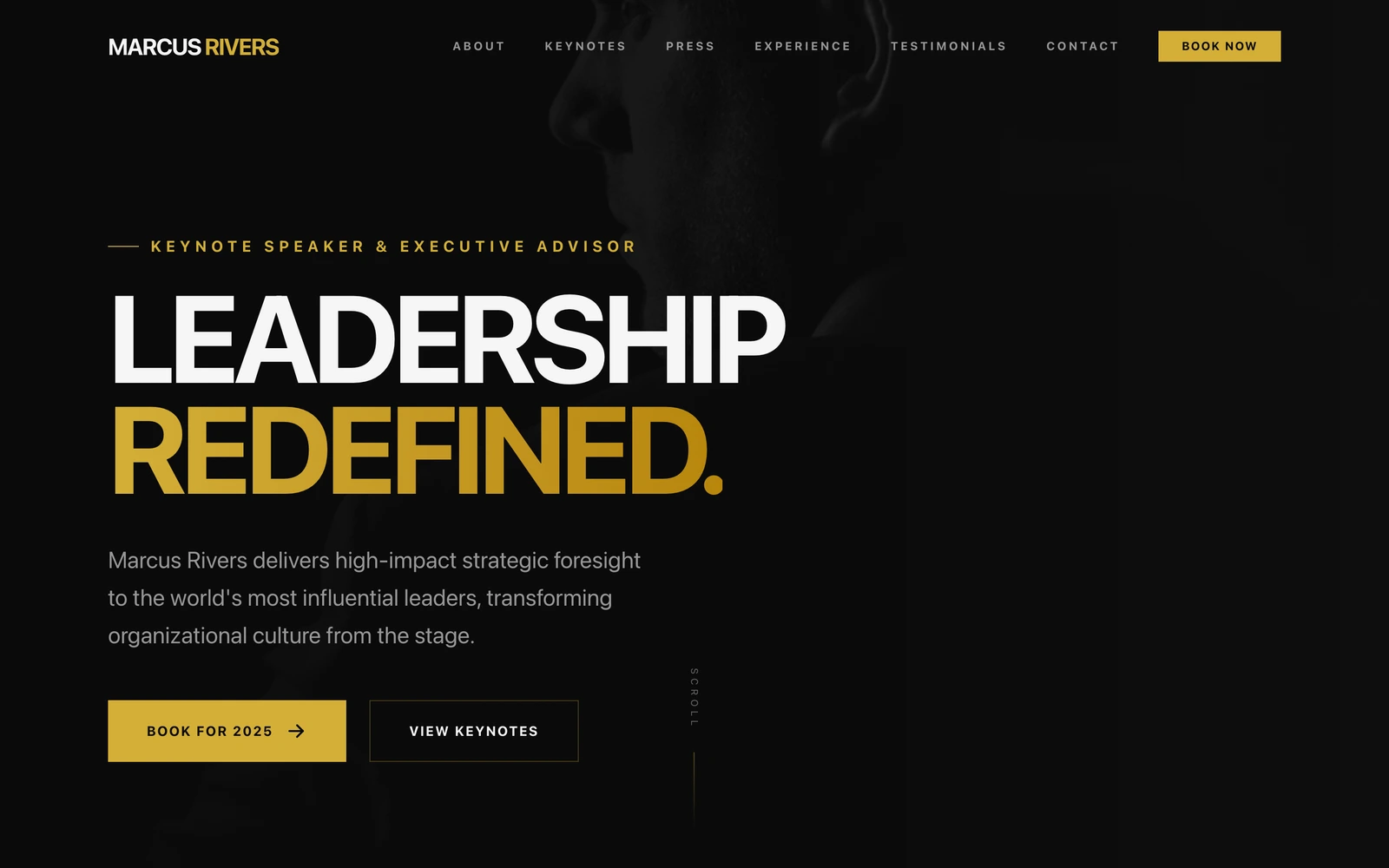
Describe your personal. Watch it build.
Free plan, no card required. Export anytime.
Free plan available, no card required