Build client sites in days,hand them over in one click
The AI website builder for agencies and freelancers: describe the brief, refine by talking, review on a live link, then transfer full ownership to your client.
Free to start, no card required.
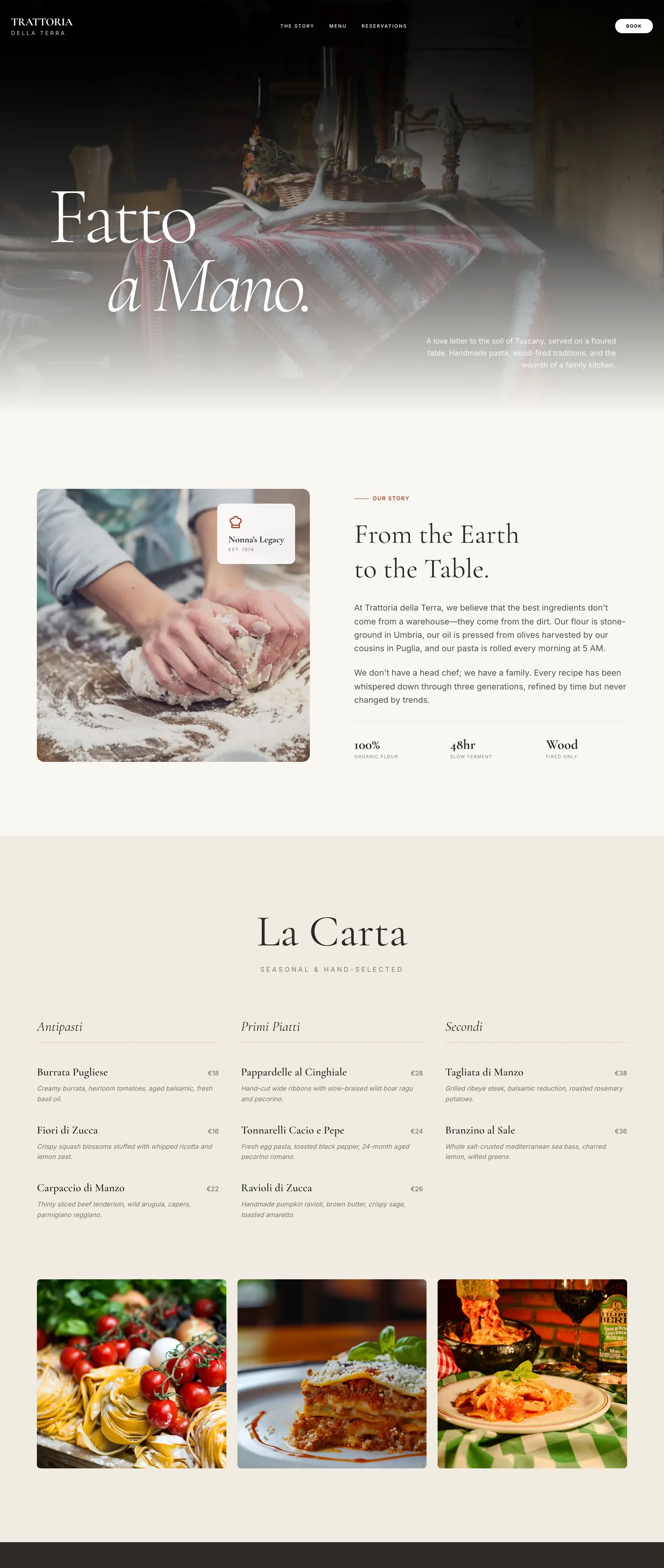
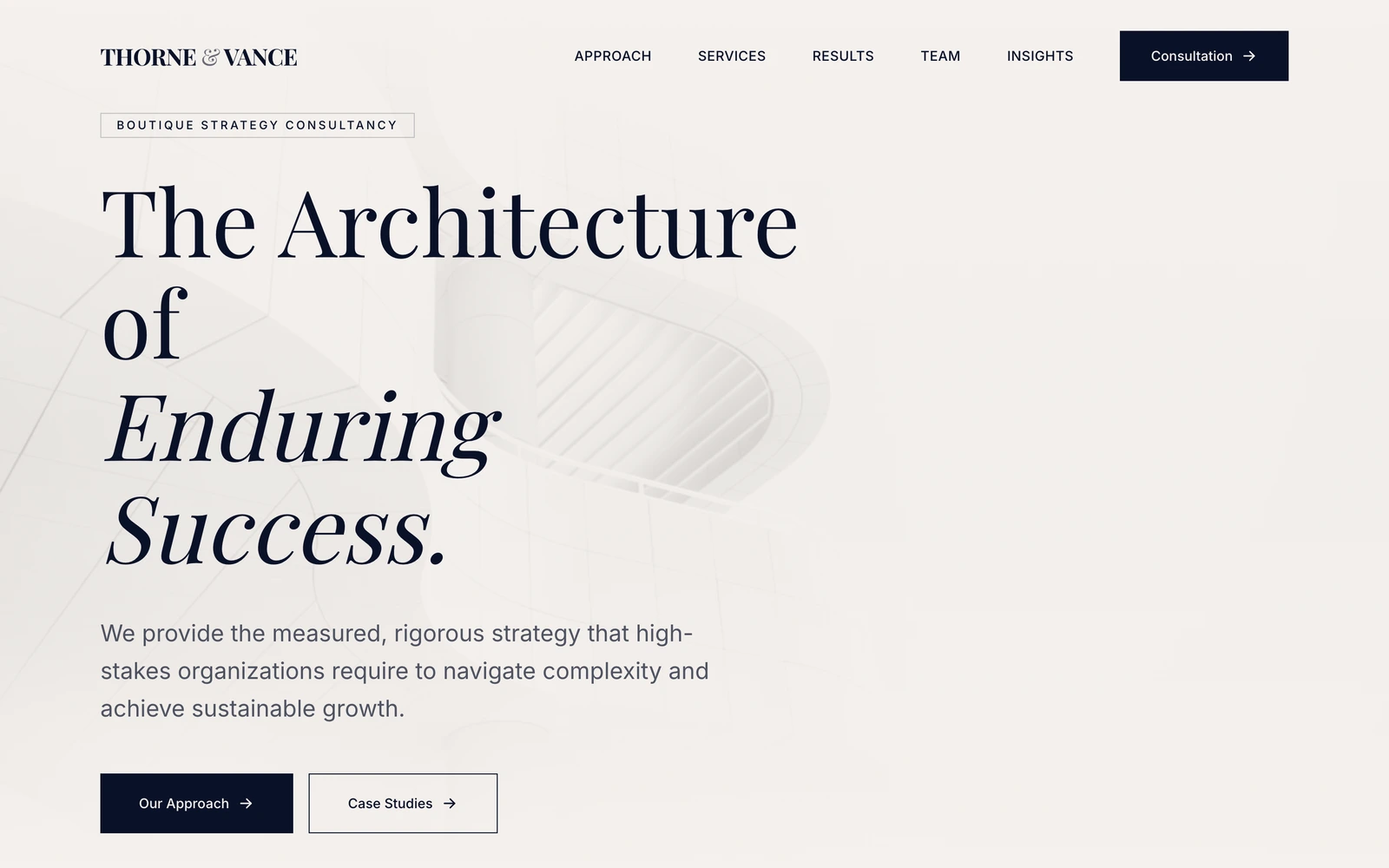
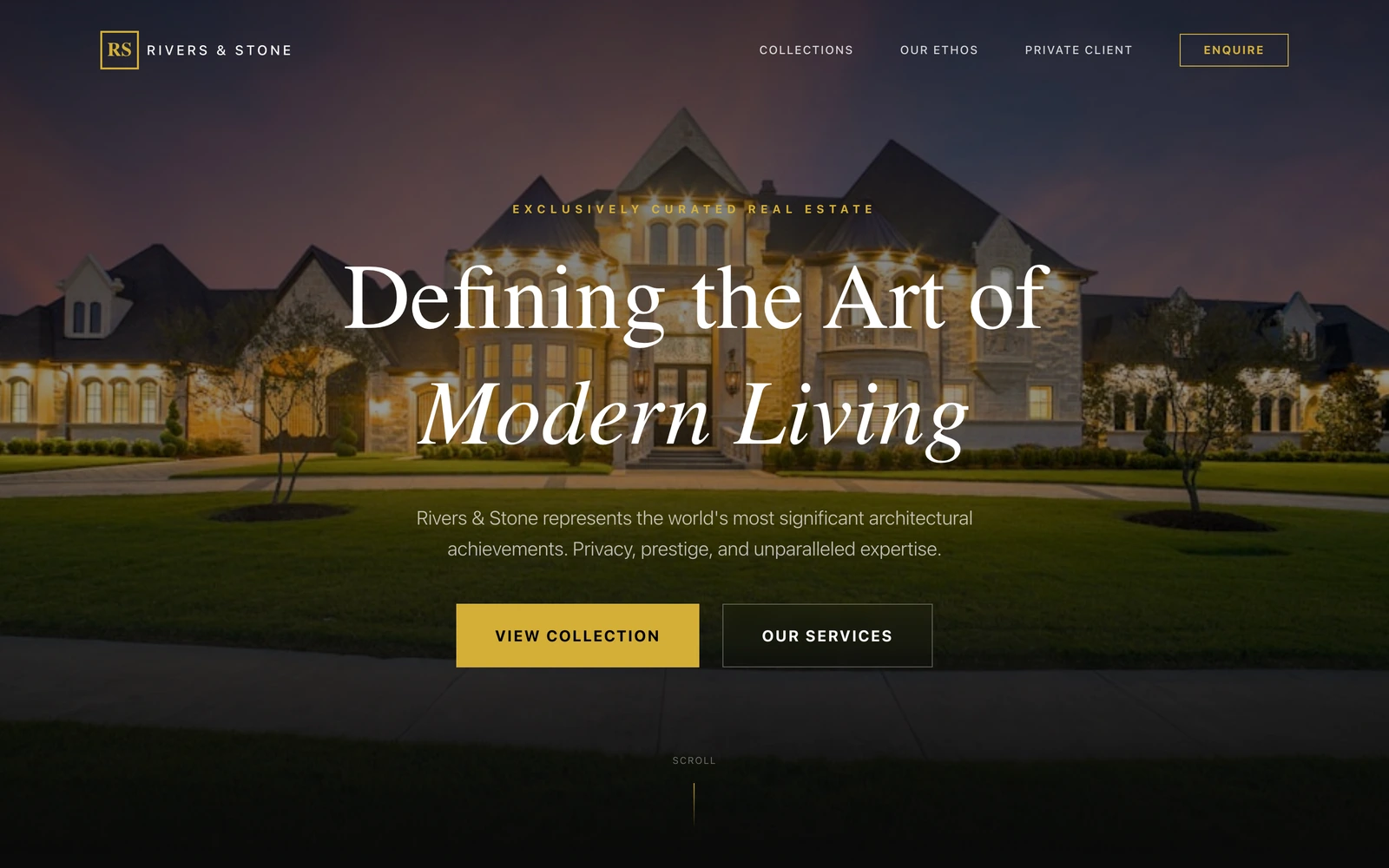
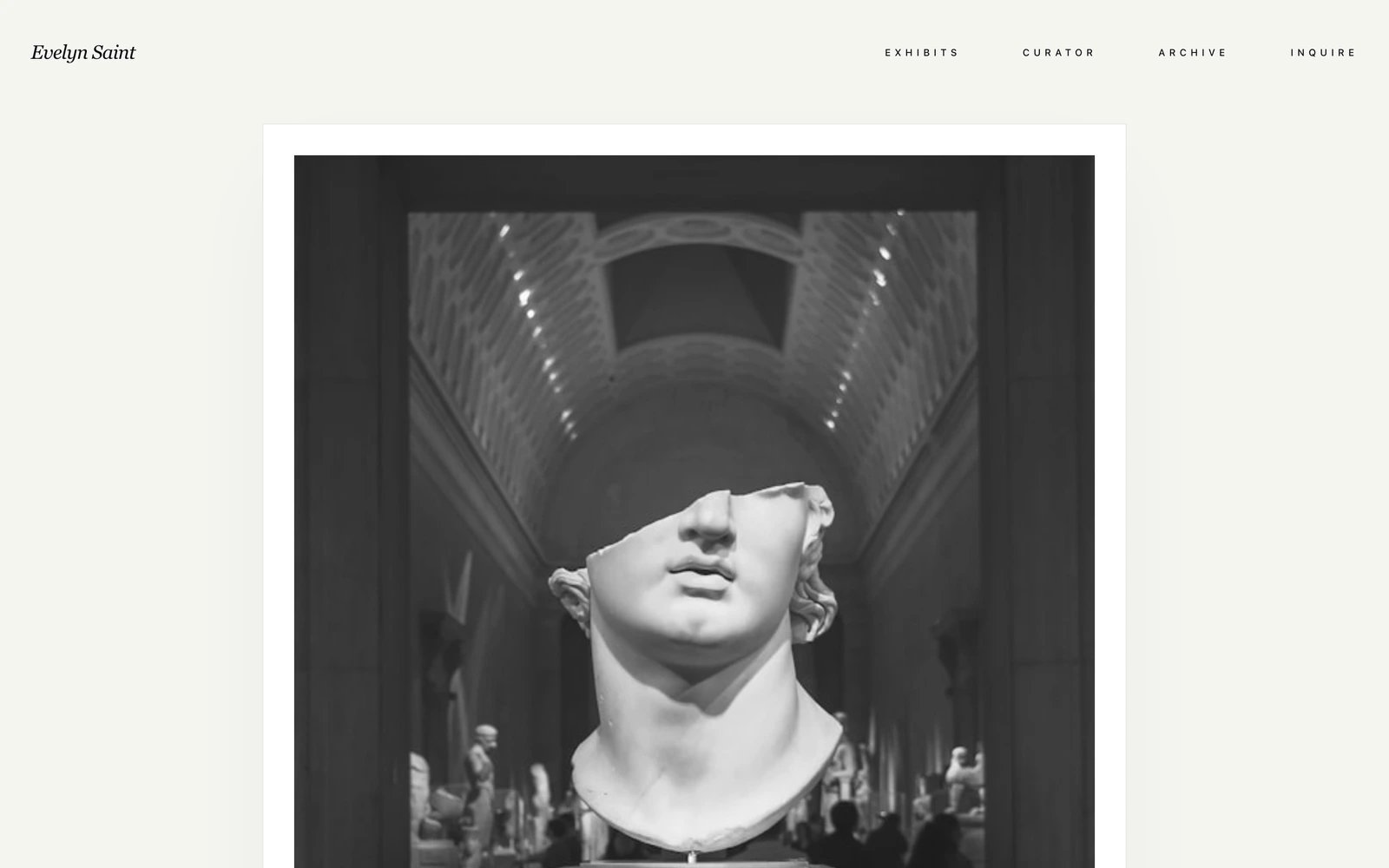
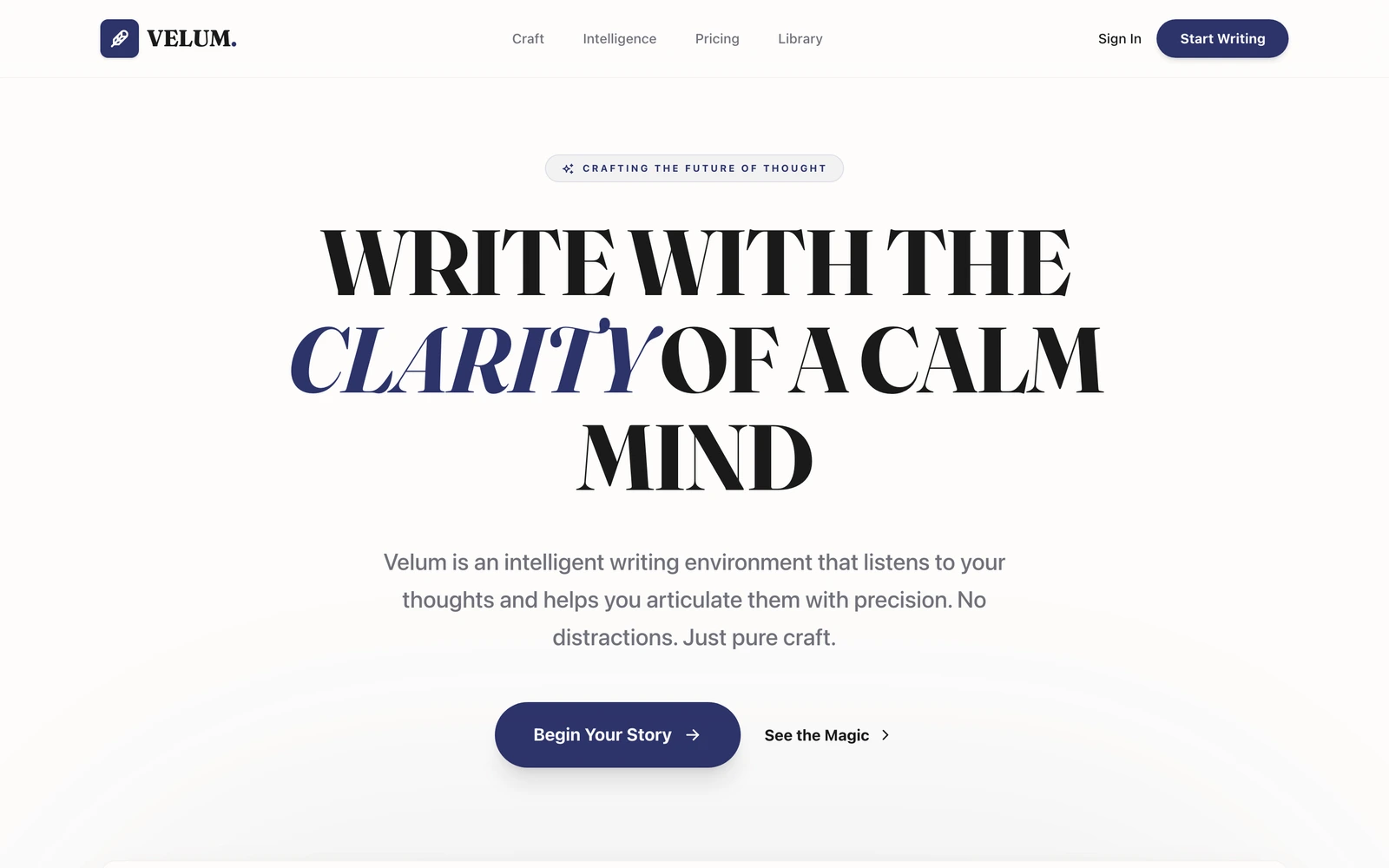
A client site from their brief.
Paste the brief and watch a full client website build itself in seconds, design, copy, working features, then refine it by talking and send the client a live link.
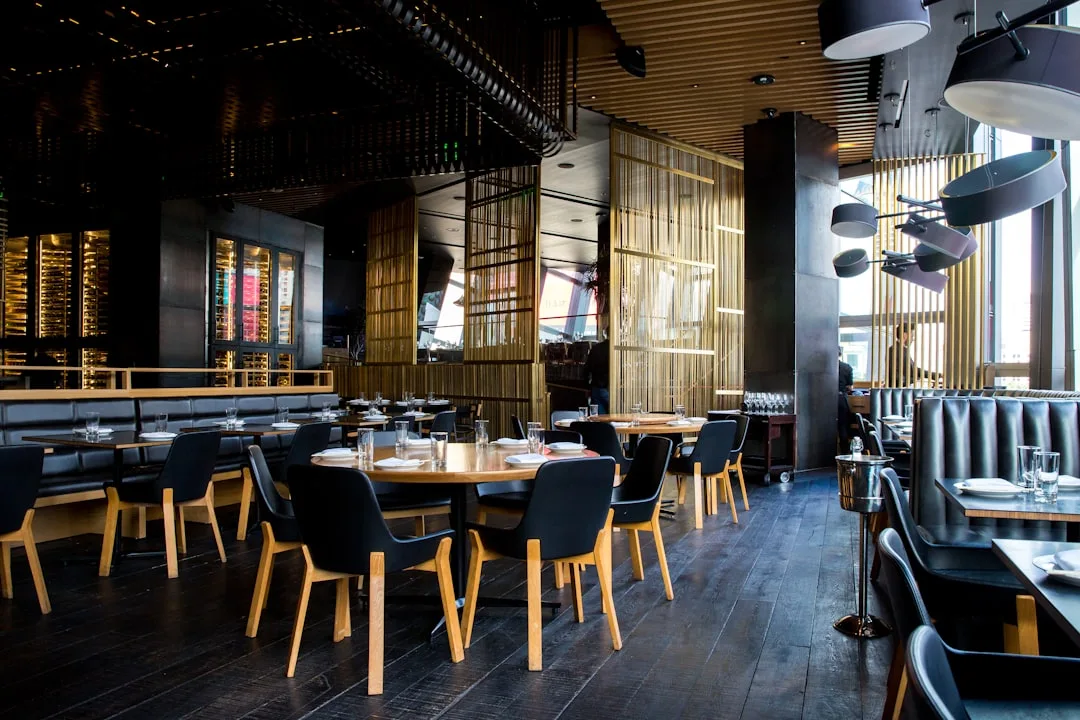
The table
is set for you.
Handmade pasta, four tables too few, and a waiting list that forgives you. The brief said warm; the site obliges.


Your client stack, without the stack.
Every client site today means a builder, a form service, a booking plugin, and a hosting bill in your name.
Looops replaces the pile, and ends the forever-maintenance with a real handover.
The usual agency stack
Yours to maintain forever
Handover was never designed
The site lives in your account, the billing stays in your name, and every past client is a small forever-job with your login on it.
A subscription per feature
Forms here, booking there, chat somewhere else. Each one billed to you, configured by you, and broken separately.
Revisions eat the margin
Every client note means reopening the builder and arranging boxes. The tenth revision costs as much as the first.
Same template, different logo
Speed used to require templates, so client sites converge on the same look, and clients eventually notice.
Building on Looops
Deliver, transfer, move on
Transfer is a feature, not a workaround
One approved request moves the whole project, site, content, billing, to your client's account. You keep zero maintenance.
The features are already in the build
Databases, forms that email, an AI assistant, image generation. Nothing to subscribe to, stitch together, or re-bill.
Revisions are sentences
Point at an element, say what changes. The tenth revision costs a sentence, same as the first.
A one-off design per client
Every build gets its own design direction from the brief. A trattoria and a law firm will never look like siblings.
Ready to deliver the next one faster?
Start a client buildEverything a client asks for.
Nothing you have to stitch together.
The same builder behind every Looops site. Paste the brief and it's built, design, copy, database, forms and assistant, all editable by just asking.
Looops vs
the usual suspects.
Other builders were designed for someone making their own site. Client work is a different job, briefs in, handovers out.
| Capability | LooopsAI-native · built for handover | SquarespaceTemplates · owner-operated | WixTemplates · owner-operated | GoDaddyTemplates · basic builder |
|---|---|---|---|---|
Hand the site to your client, cleanly One approved transfer moves the project, site, content, and billing, to the client's own account. No shared logins, no billing stuck in your name. | ||||
Paste a brief, get a whole site Say 'a website for my client's trattoria with reservations' and get design, pages, copy and working features, not a blank theme. | ||||
A one-off design per client Looops designs around each brief. The others hand you the same themes every other agency's clients are using. | ||||
Client features without plugins Databases, forms that email, a built-in AI assistant, image generation, in the build, not in a plugin marketplace. | ||||
Revisions by chatting Click an element, say what changes. Feedback rounds stop being rebuild rounds. | ||||
Run many client builds in parallel No website cap on Pro, and transfers free up room as clients take ownership. | ||||
Found on Google Fast, mobile-first pages built for search, for every client you deliver. | ||||
Nobody locked in The site is real code, and its owner can export all of it, an easy answer when a client asks who owns what. | ||||
Comparable plan Regular plan prices, billed annually, verified September 2026, not first-year promos. Your client pays for their own site after the transfer, which is how it always should have worked. | $12/mo | $19/mo | $17/mo | $21/mo |
Build for free,
upgrade for more.
No card to start. Upgrade only when you need more.
Free
Try the AI builder. No card required.
Personal
Your own website on your own domain.
Pro
Unlimited websites and team collaboration.
Frequently Asked
Questions.
The next brief starts here
Paste it, watch the site appear, send the live link, transfer on sign-off. Free to start.
Free plan available, no card required
Related solutions
More things you can build with Looops in minutes.