UX/UI Designer Portfolio Website Template
Clean, systematic and quietly confident. Built for product designers whose case studies and outcomes do the convincing.
The prompt that built this site
“A UX/UI designer portfolio website. A clear hero with my name and focus, case studies with outcomes and interface previews, my process, an about section, and a contact form. Clean, systematic and quietly confident.”
About this template
This UX/UI designer portfolio website template leads with clarity: a plain hero stating your name and focus, a call to the case studies, and a workspace image behind it. Nothing shouts, because in product design the restraint is the signal that you think in systems.
Selected work follows as case studies with category tags, interface previews and a real outcome (a design system that cut handoff time, a dashboard, a fintech app), with one flagship study given a deeper spread and a headline metric. An expertise section lists your competencies, an about section carries the years and the domains you work in, and recognitions gather recent awards. A contact section with a direct email and social links closes it. Swap in your case studies and your metrics by chatting, and it becomes yours.
Who this is for
- UX and UI designers presenting outcome-led case studies
- Product designers applying for in-house and agency roles
- Design-systems and interface specialists showing their process
- Freelancers pitching startups and SaaS clients
- Designers replacing a slide deck with a site that links straight to the work
Best use cases
Outcome-led case studies
The case-study layout puts the metric and the interface preview together, which is what hiring managers and clients actually read.
Job and role applications
The flagship study and expertise section give recruiters one link that shows both your thinking and your results.
SaaS and product freelancing
The systematic, quietly confident look reassures product teams that you design for scale, not just screens.
Getting started
- 1
Build it as your own
Click Build this site. The AI rebuilds this design as your own website in a few minutes, ready to edit.
- 2
State your focus
Tell it your name, your focus and your palette in plain English, and the clean layout adapts to you.
- 3
Load your case studies
Give it your projects with interface previews and outcomes, and ask for a deeper flagship study with your headline metric.
- 4
Go live
Publish to your free Looops link, connect your own domain when ready, and send it with every application.
The short version
A UX/UI portfolio is judged on how clearly it argues from problem to outcome. This template makes that argument with structure and restraint, and because the AI rebuilds it from a prompt, making it yours takes an evening, not a project.
Key highlights
Clear, focused hero
Your name and focus stated plainly, with a call straight to the case studies.
Case studies with outcomes
Selected work shown with category tags, interface previews and the result each project delivered.
Flagship study with a metric
One case study goes deeper and leads with a headline outcome, like a cut in design-to-dev handoff.
Expertise section
Core competencies such as product strategy, design systems, interface design and user testing.
About with domains
A portrait, the years of experience and the areas you work in, from B2B SaaS to fintech.
Direct contact section
A clear email and social links (LinkedIn, GitHub, Figma and more) for hiring managers and clients.
Related examples
See the full portfolio guide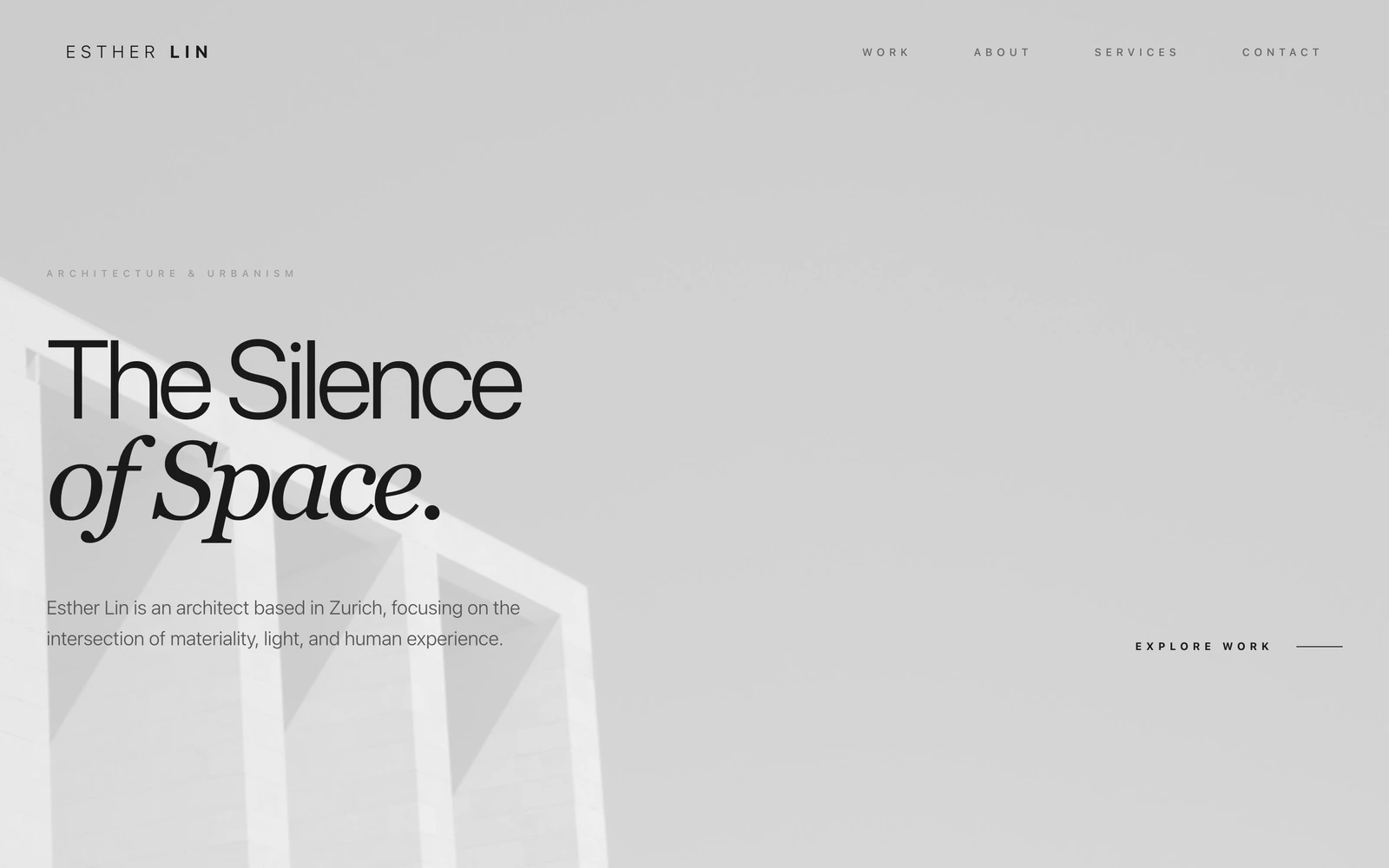
Describe your portfolio. Watch it build.
Free plan, no card required. Export anytime.
Free plan available, no card required