Scheduling App Website Template
Airy, calm and unhurried. Built for scheduling and booking apps where the promise is a day that runs itself.
The prompt that built this site
“A SaaS landing page for a scheduling app. A serene hero with the calendar view, a logo strip, features on effortless booking, integrations, testimonials, three pricing tiers, an FAQ, and a start-free call-to-action. Airy, calm and soft.”
About this template
This template leads with Time Is Your Gentlest Asset, above a live calendar view showing a real schedule of upcoming meetings. The palette is soft and monochromatic, the pacing unhurried, and a line of social proof (thousands of mindful professionals) sits under the hero. A logo strip of trusted brands follows, framing the app as calm rather than corporate.
The rest of the page tells a focused booking story: three feature cards (buffer logic, privacy-first design and smart timezones), a calm-interior product image, a deep-work benefits section, an availability block for iOS, Android and browsers, three testimonials, three pricing tiers and a short FAQ. It even carries a newsletter signup in the footer. Swap in your calendar, your features and your brand by chatting, and it becomes your app.
Who this is for
- Scheduling and booking apps
- Calendar and meeting tools
- Appointment software for services and coaches
- Availability and buffer-management products
- Founders selling calm, focus-first software
Best use cases
Meeting schedulers
The live calendar hero shows the core value instantly, which converts better than describing how booking works.
Focus-first products
The calm, airy design and buffer features speak to buyers who choose scheduling tools to protect their time, not just fill it.
Subscription apps
Clear pricing tiers plus a newsletter capture give you both a direct signup path and a way to nurture the undecided.
Getting started
- 1
Build it as your own
Click Build this site. The AI rebuilds this design as your own website in a few minutes, ready to edit.
- 2
Set your calendar
Tell it your app name, colors and calendar screenshots in plain English, and the airy design adapts around them.
- 3
Fill in features and plans
Give it your real booking features, integrations and pricing tiers, and ask it to reword the cards and FAQ to fit.
- 4
Open for signups
Publish to your free Looops link, connect your own domain when ready, and start collecting bookings and newsletter signups.
The short version
A scheduling app sells calm as much as convenience. This template captures both with a live calendar and soft, unhurried design, and because the AI rebuilds it from a prompt, making it yours takes an evening instead of a build.
Key highlights
Live calendar hero
A real-looking calendar with upcoming meetings, so visitors see how booking feels before they sign up.
Buffer and timezone features
Feature cards for buffer logic, privacy-first design and smart timezones, the details that matter to schedulers.
Trusted-brand logo strip
A row of recognizable names under the hero, quiet proof the app is already in use.
Cross-platform availability
A section confirming the app works across iOS, Android and browsers, answering the where-can-I-use-it question.
Three pricing tiers
Solo, studio and enterprise plans laid out clearly, so a visitor can pick their level at a glance.
Testimonials and newsletter signup
Three named quotes plus a footer newsletter field to capture visitors who are not ready to sign up yet.
Related examples
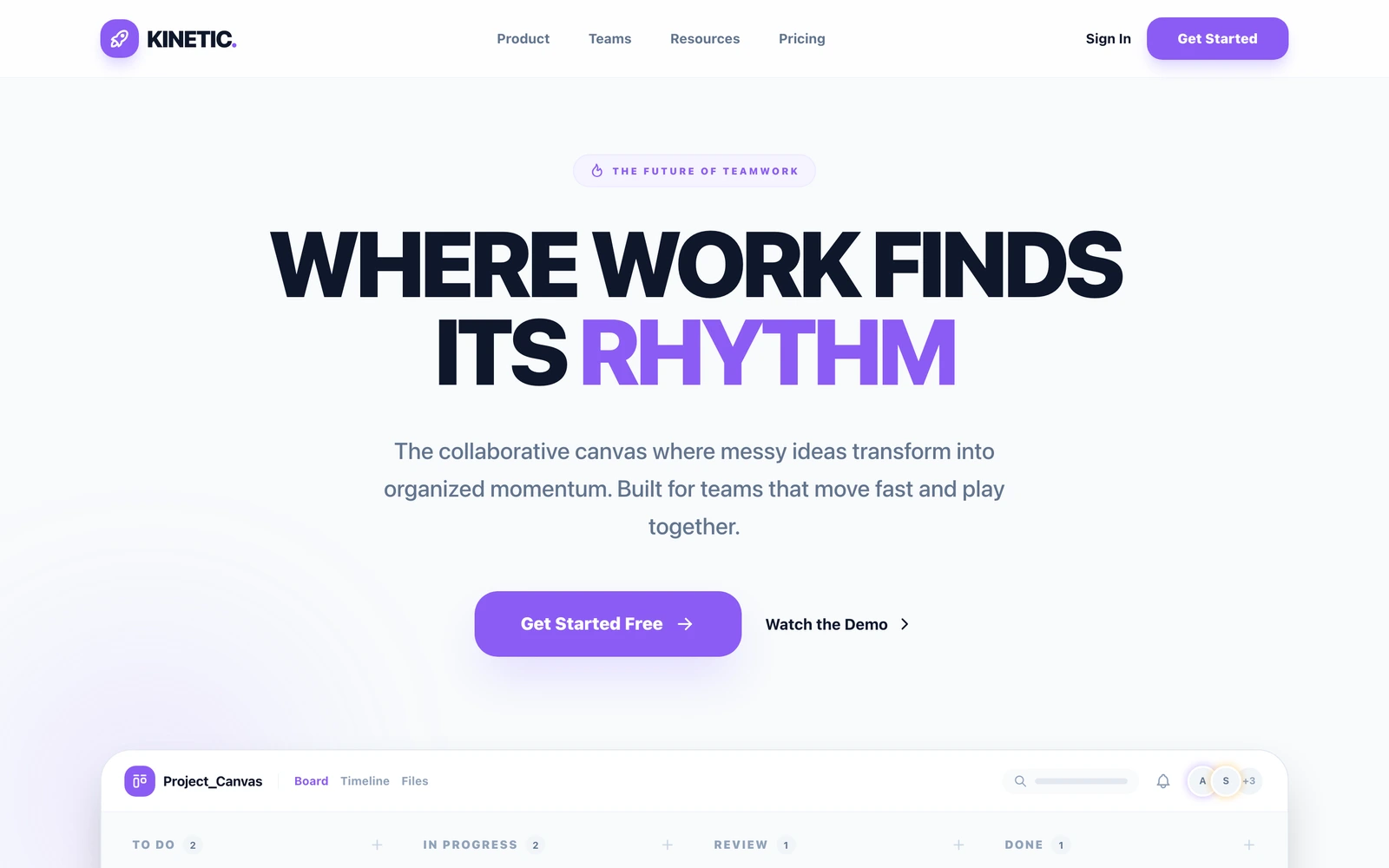
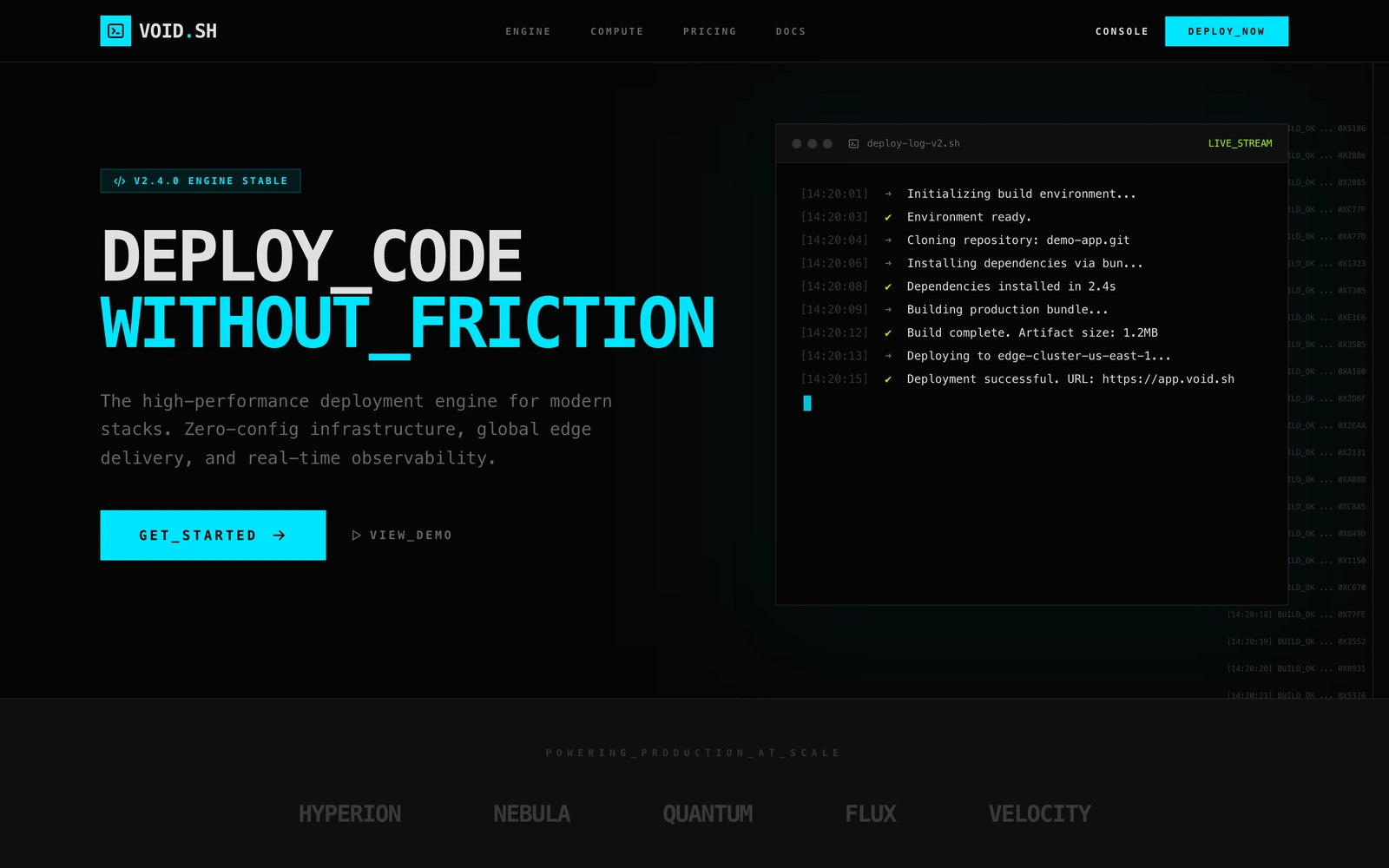
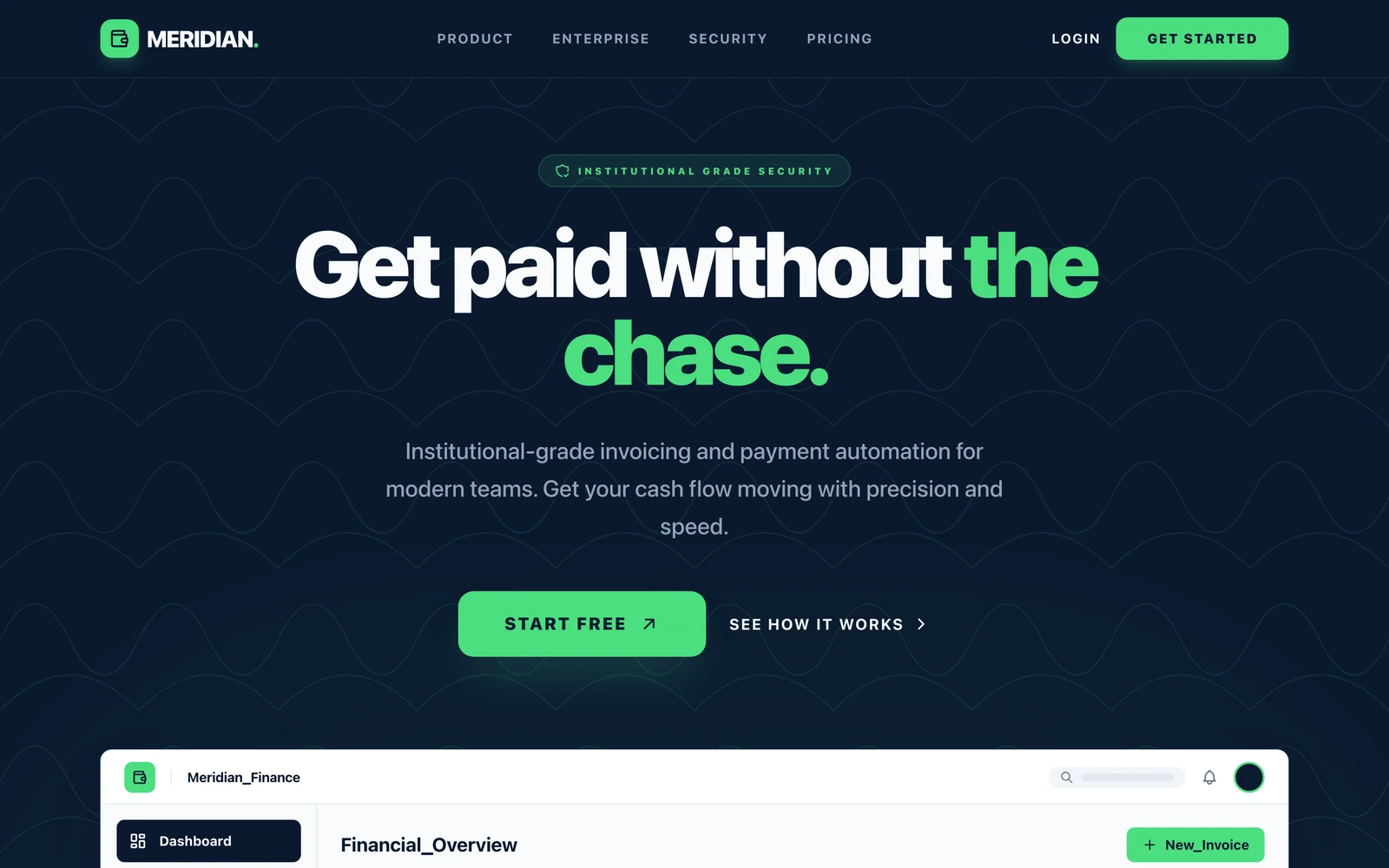
See the full saas guide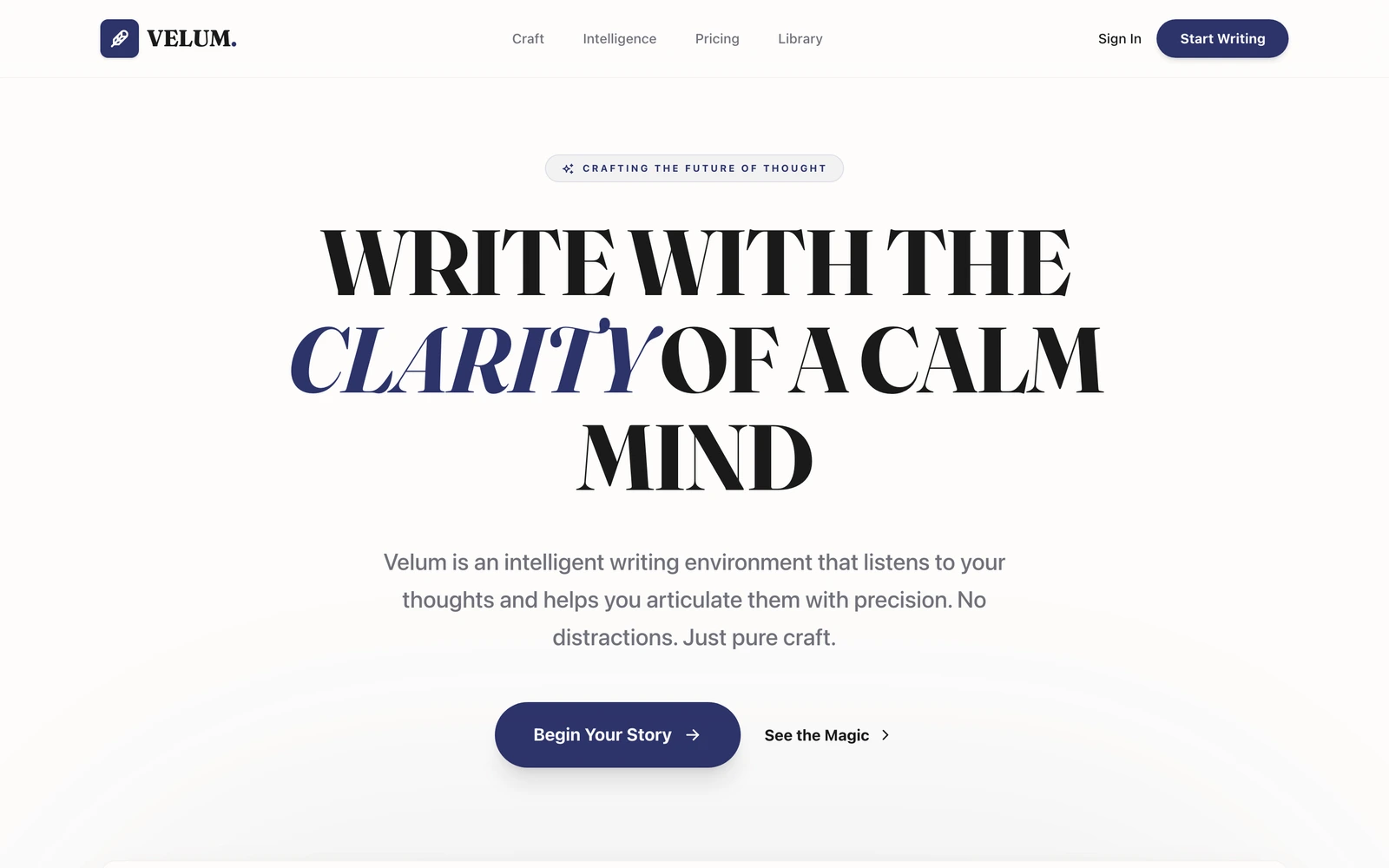

Describe your saas. Watch it build.
Free plan, no card required. Export anytime.
Free plan available, no card required