How to Build Client Websites With AI and Hand Them Over
By Sam Codes · · 8 min read
If you build websites for clients, you know the real job is not the building. It is the revisions, the review rounds, the hosting questions, and the awkward forever-after: whose account does the site live in, who pays for what, and who gets the 11pm email when something breaks.
AI changed the first half of that job this year. The second half, the handover, is what most tools still get wrong. This is the full workflow we see agencies and freelancers run on Looops: build with AI in days, review on a live link, then transfer the whole project to the client so they own it outright.
Step 1: Turn the client brief into a build
Start with the brief in plain words, the same way you would explain it to a colleague. The business, the audience, the pages, the features, the tone. Paste it into Looops and the AI plans the site, designs it with a real direction, writes starter copy, and builds the working parts.
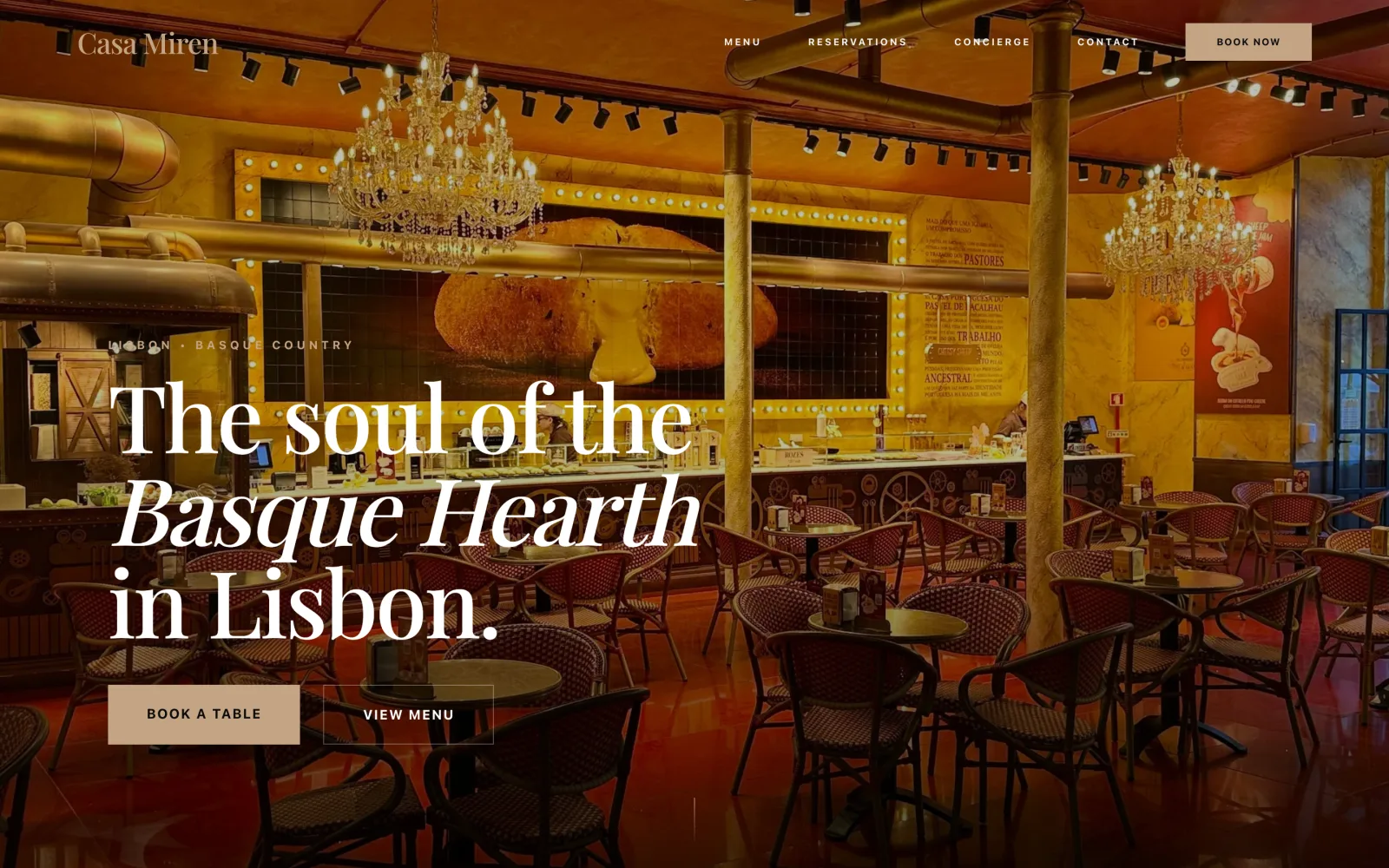
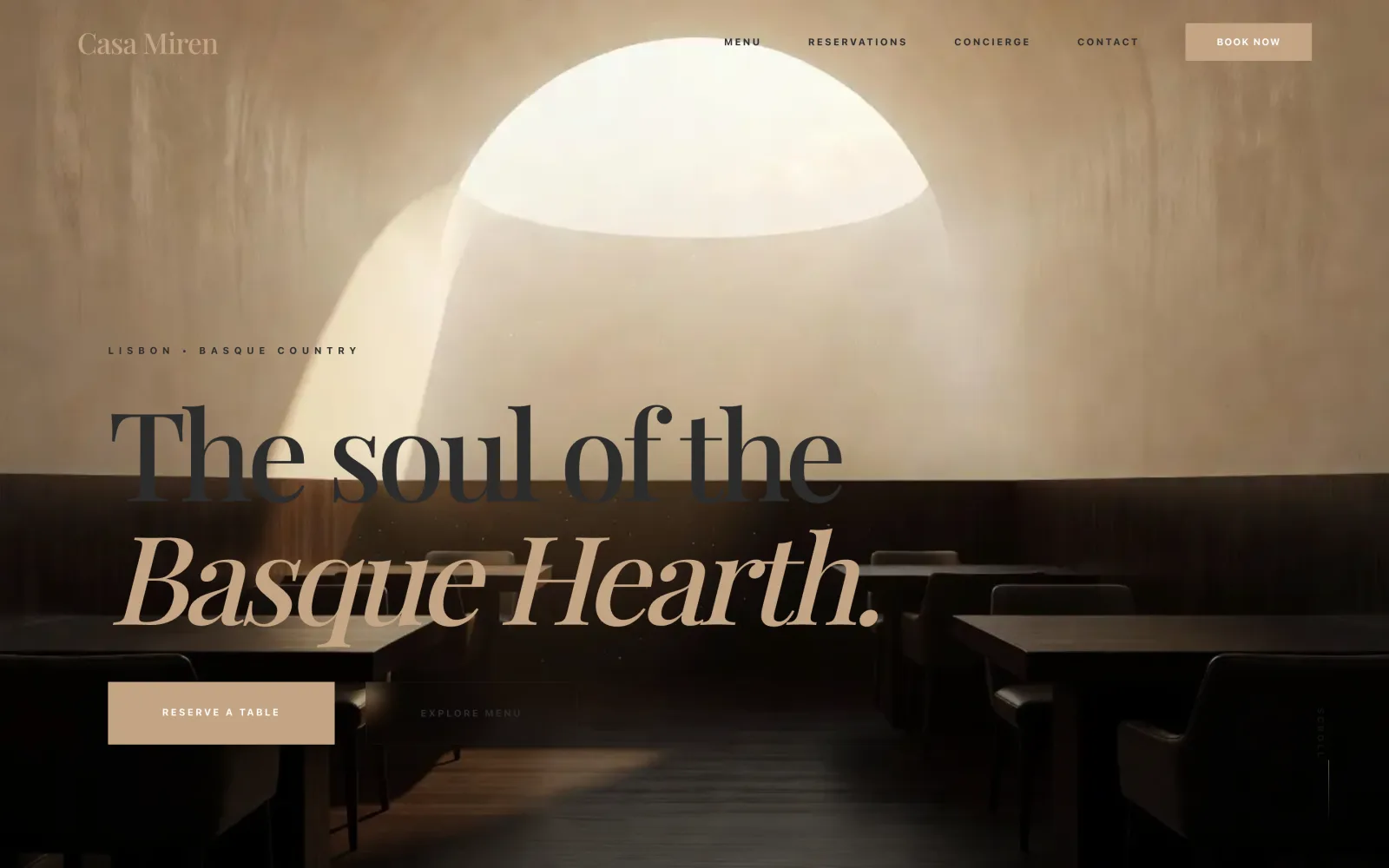
Here is a real example. This restaurant site was built from a short brief: a modern Basque restaurant, warm and editorial, with a table reservation system, a contact form that emails the owner, and an AI concierge for menu questions. Every one of those features came out of the first build, working.
Step 2: Refine by talking, not rebuilding
Client work lives and dies on revision speed. On Looops, every revision is a sentence. Click any element on the preview and say what should change about exactly that: the headline, a button, a section's layout. Selections stick, and your notes ride along with the next message.
This is the difference between AI as a starting point and AI as a workflow. You are not exporting a first draft into your old process. The whole revision cycle happens in the same conversation.
Step 3: Let the client review a live site
Skip the screenshot decks. Every Looops project has a live preview link: the real site, running, on any device your client opens it on. Send it, collect notes, and feed them back in as plain sentences.
Clients give better feedback on a living site than on a mockup, because they click around like a visitor instead of judging a picture. Review rounds get shorter and less abstract.
Step 4: The handover, where most tools fail you
Here is the part that decides whether client work is profitable: what happens after sign-off. The industry's usual answers are all bad. Keep the site in your account and you have become a hosting company with a support inbox. Share logins and you have a security problem. Migrate to their stack and you lose a weekend.
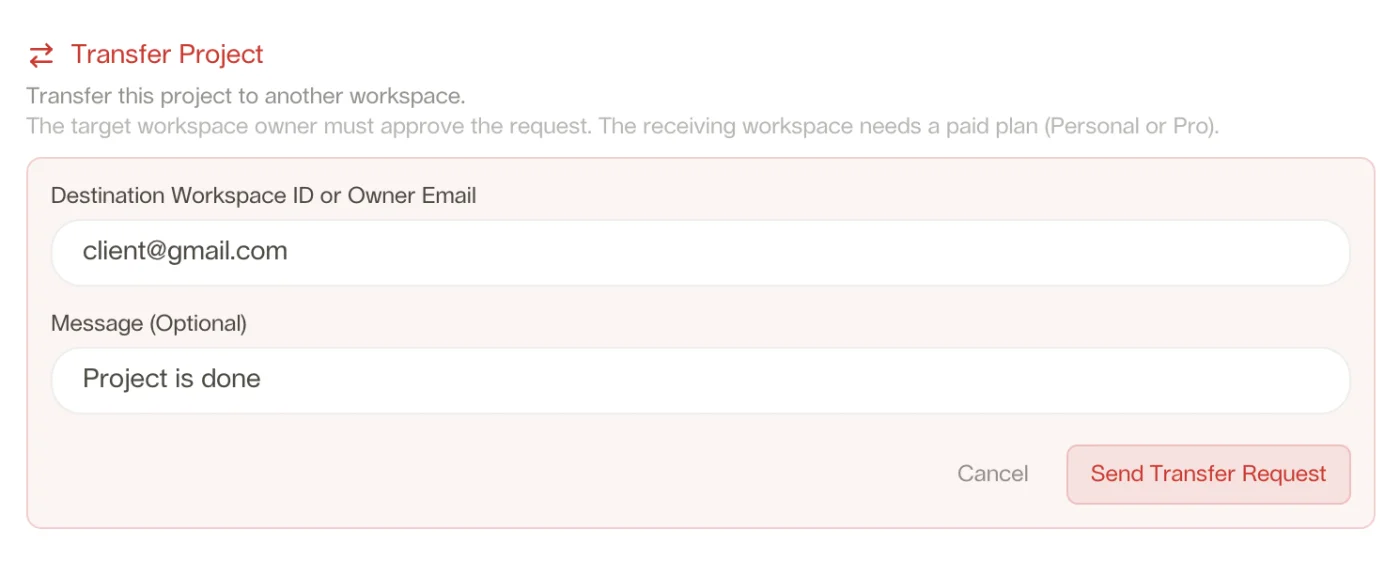
Looops has a first-class answer: project transfer. You enter your client's account email, they approve the request from their side, and the entire project moves to their account, the live site, every page, the database with their data, and the billing. Nothing moves without both of you agreeing, and your client needs any paid Looops plan to receive it.
After the transfer, the site is theirs in every sense. If they want you on retainer, they invite you back into their workspace as a collaborator, so you keep editing while they own it. Either way, the 11pm email goes to the right place.
What one build includes, so you stop stitching subscriptions
A small-business client's wish list is predictable: a contact form that reaches their inbox, maybe bookings or orders, photos that look professional, and increasingly, some kind of AI answering their customers' questions. On most stacks, each of those is another plugin, another vendor, another monthly line item you have to explain and re-bill.
On Looops, they are all part of the same build:
- Real databases for bookings, orders, members, and listings, with a private owner area for the client.
- Contact forms that deliver real email, with spam protection built in.
- A built-in AI assistant that knows the client's business and answers questions on the site.
- Image generation in the client's exact brand colors, background removal, and video.
- File storage with public plan limits and visible usage.
The economics, in plain words
The build gets faster, but the bigger shift is in what you stop carrying. No hosting to babysit, no plugin stack to update, no billing relationships you did not want. You charge for what you are actually good at, the thinking, the taste, the words, the build, and the handover ends your obligations cleanly.
One Pro subscription covers your whole pipeline: unlimited websites in progress, up to five with full backends at a time, and transfers as your deliveries. The client pays for their own site once they own it, which is how it always should have worked.
If you build for clients regularly, the agencies page has the full picture, including the FAQ on ownership, collaboration after handover, and code export.
Your next client build starts with a sentence
Describe the brief. Watch the site appear. Hand it over when they sign off.
Free plan available, no card required
Frequently Asked
Questions.
Keep reading
Ready to build your website?
Describe what you want and Looops builds it. Free to start, no card required.
Start building free