How to Make a Restaurant Website (Step by Step)
By Sam Codes · · 9 min read
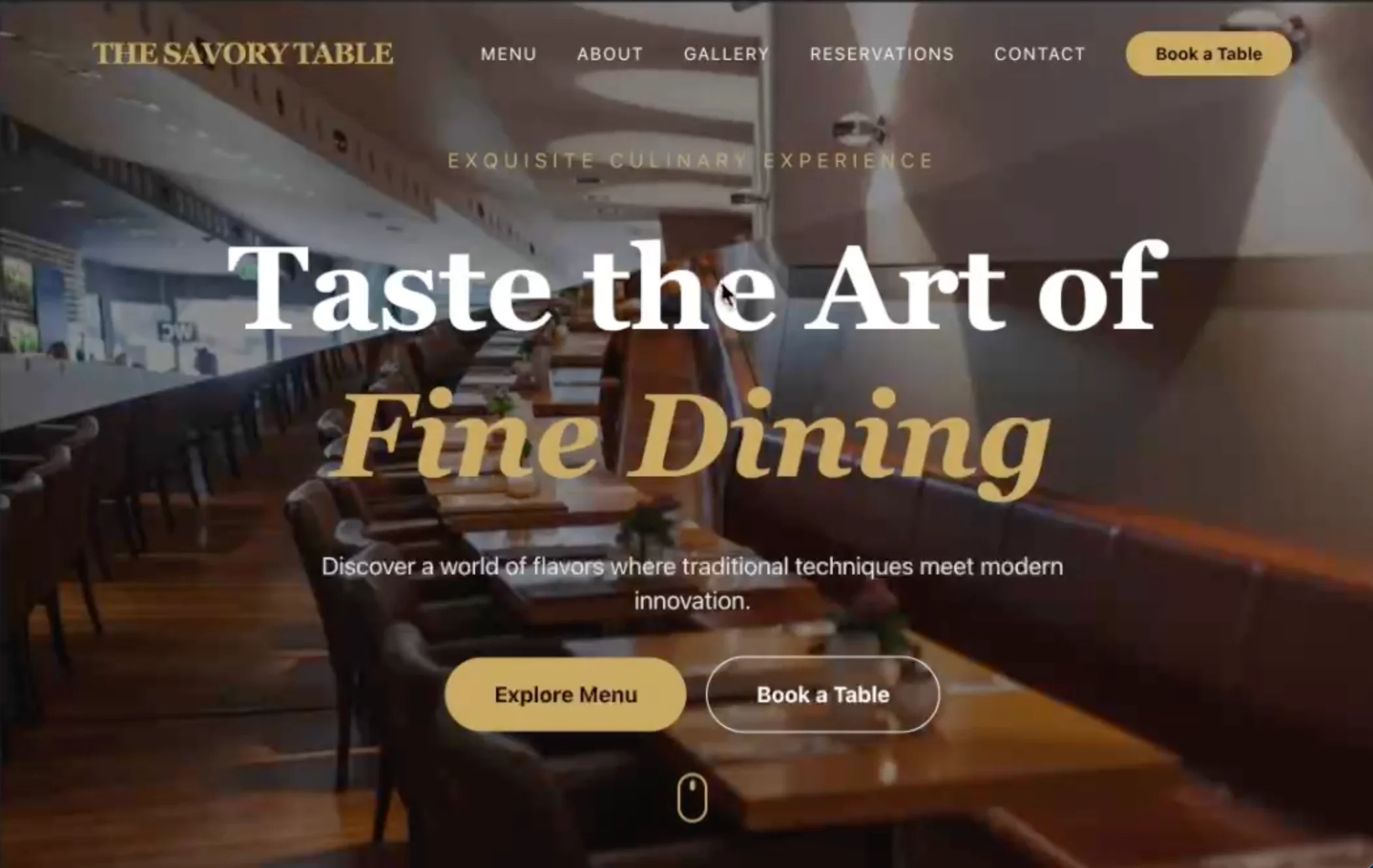
By the end of this guide, your restaurant will have a live website with your menu, hours, location, and a way for customers to reach you or book a table. You do not need a designer or any technical skills to get there.
Most restaurant websites fail at one of three things: the menu is impossible to find, the site does not show up on Google, or it looks bad on a phone. This guide walks you through each step so you avoid all three.
What your restaurant website actually needs
Before you build anything, get clear on the six things every restaurant website must do well: show your menu, give your hours and address, let people contact you or reserve a table, load fast on a phone, look good enough to reflect your food, and be findable on Google.
Everything else is optional. You do not need a blog, an online ordering platform, or a dozen pages to start. Get the basics right first, then add more later.
- Menu (your single most-visited page)
- Hours, address, and a map
- Reservations or a contact form
- A few photos that make the food or space look great
- Your phone number in the header or footer
- A page Google can find and index
Step 1: Plan your pages before you build
Most restaurants need four to five pages: a home page, a menu page, an about page, a reservations or contact page, and sometimes a gallery. Sketch these out before you open a builder.
For each page, write down the one thing it needs to do. The home page should make someone want to come in. The menu page should load fast and be easy to read on a phone. The contact page should have your number, address, hours, and a form.
Home page
This is your first impression. Include a great photo, a one-sentence description of your restaurant ("Woodfired pizza in the heart of Austin"), your hours, and a clear button to see the menu or make a reservation. Keep it simple.
Menu page
Your menu is the most important page on your site. Customers check it before they decide to visit. Make sure it is readable on a phone, easy to update, and not just a scanned PDF (Google cannot read PDFs).
About page
A short story about your restaurant, the team, or the concept builds trust. Even two paragraphs and a photo do more than a blank page. Mention the neighborhood, the chef, or what makes your food different.
Contact and reservations page
Put your full address, hours for each day of the week, your phone number, and a contact form. If you take reservations, either embed a booking widget or link to your reservation system. Make this page easy to find from every other page.
Step 2: Add your menu so it works on every device
The most common restaurant website mistake is putting the menu in a PDF. PDFs are hard to read on phones, Google ignores them, and you cannot update them without re-uploading. Use real text pages instead.
Organize your menu by section (starters, mains, desserts, drinks). Include prices. If you have daily specials, you want to be able to update them yourself without calling a developer.
- Use text pages, not PDFs or image scans
- Organize by section with clear headings
- Include prices for every item
- Make sure it is readable on a small phone screen
- If your menu changes often, use a builder with a content manager so you can update it in minutes
Step 3: Add your hours, location, and a map
This sounds obvious, but it is one of the most searched things about any restaurant. "[Restaurant name] hours" is a real search people do. Make it impossible to miss.
Put your address, phone number, and hours on your contact page and in your footer so they appear on every page. Embed a Google Map so customers can get directions without leaving your site.
- List hours for every day of the week (including "closed" days)
- Put your full street address as plain text, not just a map
- Embed a Google Map on your contact or location page
- Add your phone number in the header or footer where it's always visible
- If your hours change for holidays, update the site and your Google Business Profile
Step 4: Add reservations or a contact form
You do not need a complex booking system to start. A simple contact form with name, date, time, and party size works for many restaurants. For higher-volume reservations, you can add a dedicated booking tool later.
Whatever you use, make sure the form actually sends you an email when someone fills it in. Test it yourself before you publish.
- A basic contact form covers most reservation needs to start
- Include fields for name, phone or email, date, time, and party size
- Test the form yourself so you know enquiries arrive
- For busy restaurants, link to a dedicated booking system (OpenTable, Resy, etc.)
- Put a "Call to reserve" option alongside the form for customers who prefer the phone
Step 5: Add photos that make people hungry
You do not need a professional photographer to start. A modern smartphone in good natural light can produce photos good enough for a website. A few great photos are much better than many mediocre ones.
What to shoot: your best dishes, the interior atmosphere, and the front of the building (helps people find you). Avoid dark, blurry, or heavily filtered photos.
- Shoot in natural daylight near a window
- Clean the plate before shooting, and style it simply
- Take 5-10 photos and pick the best 3-5
- Include at least one wide shot of the dining room or patio
- Compress images before uploading so the site loads fast
Step 6: Set up the basics so Google can find you
Getting found on Google starts with a few simple things, none of which require a technical background. The most important step is claiming your Google Business Profile (see step 7). On the website itself, make sure each page has a descriptive title ("Menu | The Oak Table, Austin"), your restaurant name and city appear naturally in your content, and the site loads fast on a phone.
Google primarily looks at mobile versions of websites, so a site that looks great on a phone is not just good for customers, it helps your rankings too.
- Give each page a clear, descriptive title that includes your restaurant name and city
- Write a short meta description for your home page (what your restaurant is, where it is)
- Make sure your address and phone number match exactly across your website and Google Business Profile
- Use real text for your menu (not images or PDFs)
- Check that your site loads in under 3 seconds on a phone
Step 7: Publish your site and claim your Google Business Profile
Once your site is ready, publish it on your own domain (yourrestaurant.com). A custom domain looks professional and helps customers and Google take your site seriously. Most website builders let you connect your domain in a few clicks.
After publishing, claim your Google Business Profile if you have not already. This is free and puts your restaurant on Google Maps and in local search results. Add your website URL, hours, phone number, menu link, and photos to your profile. This is often the fastest way to start showing up when people search for restaurants near them.
- Connect your own domain before launch (yourrestaurant.com, not yourrestaurant.builder.com)
- Claim your Google Business Profile at business.google.com
- Add your website, hours, phone number, and photos to your Google Business Profile
- Ask happy customers to leave a Google review (reviews improve your local ranking)
- Submit your site URL to Google Search Console so Google starts crawling it
How Looops makes building your restaurant website easier
Looops is an AI website builder built for non-technical owners. You describe your restaurant in plain English and it builds the full site for you, pages, design, and starter content. You then refine it by chatting: "add a gallery to the home page," "make the menu easier to read on mobile," "add a contact form with a reservations section."
The built-in content manager lets you update your menu yourself without touching code or calling anyone. Forms work out of the box and email you when someone gets in touch. One-click publish puts your site live with fast hosting and HTTPS already handled. Connect your own domain and you are set.
- Chat to Build: describe your restaurant, get a full site in minutes
- Built-in database: update your menu anytime, no developer needed
- Forms: contact and reservation forms that email you automatically
- Custom domains: use your own .com address
- One-Click Publish: live hosting included, no setup
- Mobile-ready: looks great on every device from the first build
Build your restaurant website today
Describe your restaurant and Looops builds the site for you. Free to start, live in minutes.
Free plan available, no card required
Frequently Asked
Questions.
Keep reading
Ready to build your website?
Describe what you want and Looops builds it. Free to start, no card required.
Start building free