How to Redesign Your Website With AI
By Sam Codes · · 7 min read
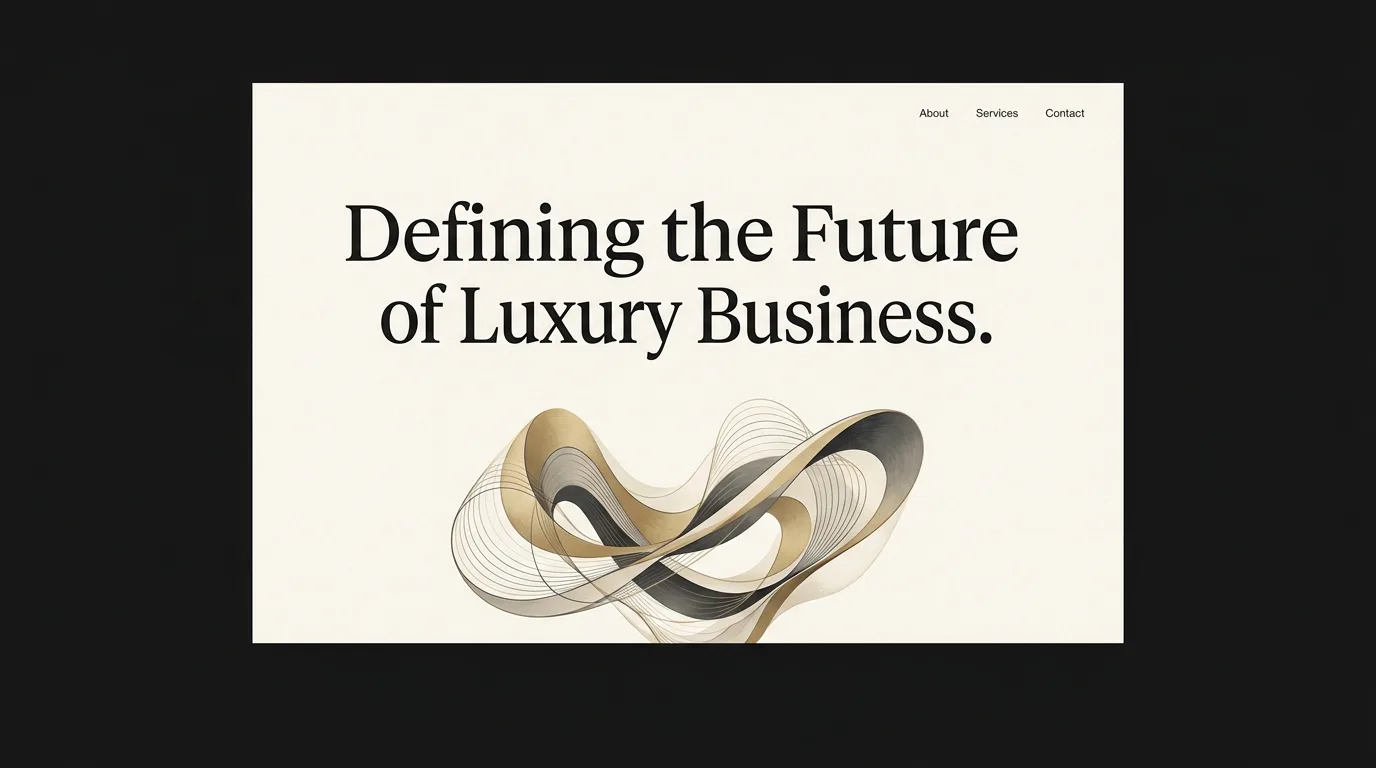
Most websites do not need to be rebuilt from scratch, they need to be brought up to date. The content is fine, the business has not changed, but the design looks like it was made a decade ago, because it probably was. The good news: redesigning an existing site is now something you can describe rather than commission.
This guide covers how to redesign a website with AI, whether you start from your current live site, a Figma design, or just a clear idea of what you want, and how to modernize it without losing what already works.
Signs you need a redesign, not a rebuild
A redesign updates how your site looks and feels while keeping what it says. A rebuild starts over. Most small businesses need the former. If your content is still accurate but the site feels dated, cramped, or clunky on a phone, that is a redesign.
The tell-tale signs are visual and structural, not about the words: tiny text, boxy layouts, stock-photo overload, no white space, and a design that clearly predates modern phones.
- The content is still accurate, it is the look that is dated
- It does not work well on a phone, where most of your visitors are
- It feels cluttered: small text, boxy sections, no breathing room
- It looks nothing like the sites your competitors run now
- You are a little embarrassed to send people the link
Three ways to redesign with AI
You can start a redesign from wherever you already are. These are the three most common starting points.
From your current URL
Point the tool at your live site and it can read your structure and content, then rebuild it with a modern design. You keep your pages and copy and get a fresh look. This is the fastest path for an existing business.
From a Figma design
If you or a designer have a design in Figma, it can be imported and turned into a real, working website, no manual handoff, no developer translating pixels into code line by line.
From a description
Sometimes the cleanest redesign starts fresh: describe the business, the feel you want, and the pages you need, let the AI design it, then move your real content in.
Keep what works: content, brand, and SEO
The biggest risk in any redesign is throwing away things that were quietly working. Your page content, your brand voice, and the search rankings you have built up are assets, treat them as inputs to the new design, not casualties of it.
Bring your existing copy across and tighten it rather than deleting it, keep your logo and colors unless you are deliberately rebranding, and preserve your page structure and URLs where you can so you do not lose search traffic.
- Reuse your existing copy, tighten it rather than starting from a blank page
- Keep your logo, colors, and brand voice unless you are rebranding on purpose
- Preserve page URLs where possible so you keep your Google rankings
- Keep the pages people actually visit, a redesign is not the time to prune blindly
- Redirect any URLs you do change so old links still work
How an AI redesign actually works
The process is conversational. You give the tool a starting point, your URL, a Figma file, or a brief, it produces a modern first version, and then you refine it by talking: "make the hero bolder," "use my brand colors," "this section feels dated, try a cleaner layout."
Because you are describing changes instead of hand-editing, iteration is fast. You can try three hero styles in the time it used to take to brief one.
How Looops redesigns your site
Looops is an AI website builder you drive by chatting. Give it your current site, a Figma design, or a description of what you want, and it produces a modern, responsive version you refine in plain language: "match my brand colors," "make it feel more premium," "move the testimonials up."
You keep your content and your domain, and publishing is one click with hosting included, so a redesign that used to mean weeks and an agency invoice can be a same-day job.
- Start from your live site, a Figma file, or a plain description
- Keep your copy, brand, and domain, refresh the design around them
- Refine every section by describing the change, no manual editing
- Modern and responsive by default, great on phones
- One-click publish with hosting, live the same day
Redesign your site with AI
Bring your current site or a Figma file and Looops modernizes it. Free to start, yours to keep.
Free plan available, no card required
Frequently Asked
Questions.
Keep reading
Ready to build your website?
Describe what you want and Looops builds it. Free to start, no card required.
Start building free