Google Analytics for Your Small Business Website
By Sam Codes · · 6 min read
"How many people visit my website?" is the first question every owner asks after launching, and the answer usually turns out to be harder to get than the website itself. Google Analytics has the answer, and a lot more. Getting it running is where most people give up.
This guide explains what Google Analytics tells a small business, why the setup trips people up, and how to skip the setup completely.
What Google Analytics tells you
Google Analytics is Google's free tool for understanding the people who visit your site. For a small business, a handful of its answers matter far more than the rest.
- How many people visit, and whether that number is going up
- Where they come from: Google, social media, a link on another site, an email, or typing your address
- Which pages they read, and which ones they leave from
- Who comes back, not just who visits once
- What they do: clicks, scrolls, downloads, links to your booking page
- Which countries and cities they are in, and whether they are on a phone
Simple visit counters stop early
Many website builders now include a simple visit counter. They are handy for a quick look, and they answer "how many". They usually stop there: no returning visitors, no events, no idea which visitors went on to book or buy. When you want to know what is working, you end up needing the full tool anyway.
Why setting it up is the hard part
The usual way to add Google Analytics to a website goes like this: create a Google Analytics account, create a property, create a data stream, find the measurement ID (it looks like G-XXXXXXXXXX), then paste a snippet of code into every page of your site, and hope nothing breaks the next time the site changes.
Each step is simple on its own. Together they are enough to stop most owners, and the pasted code is easy to lose in a redesign. Then you open Google Analytics itself, which is built for marketing teams, and look for the one number you wanted among a hundred reports.
How it works on Looops: one click
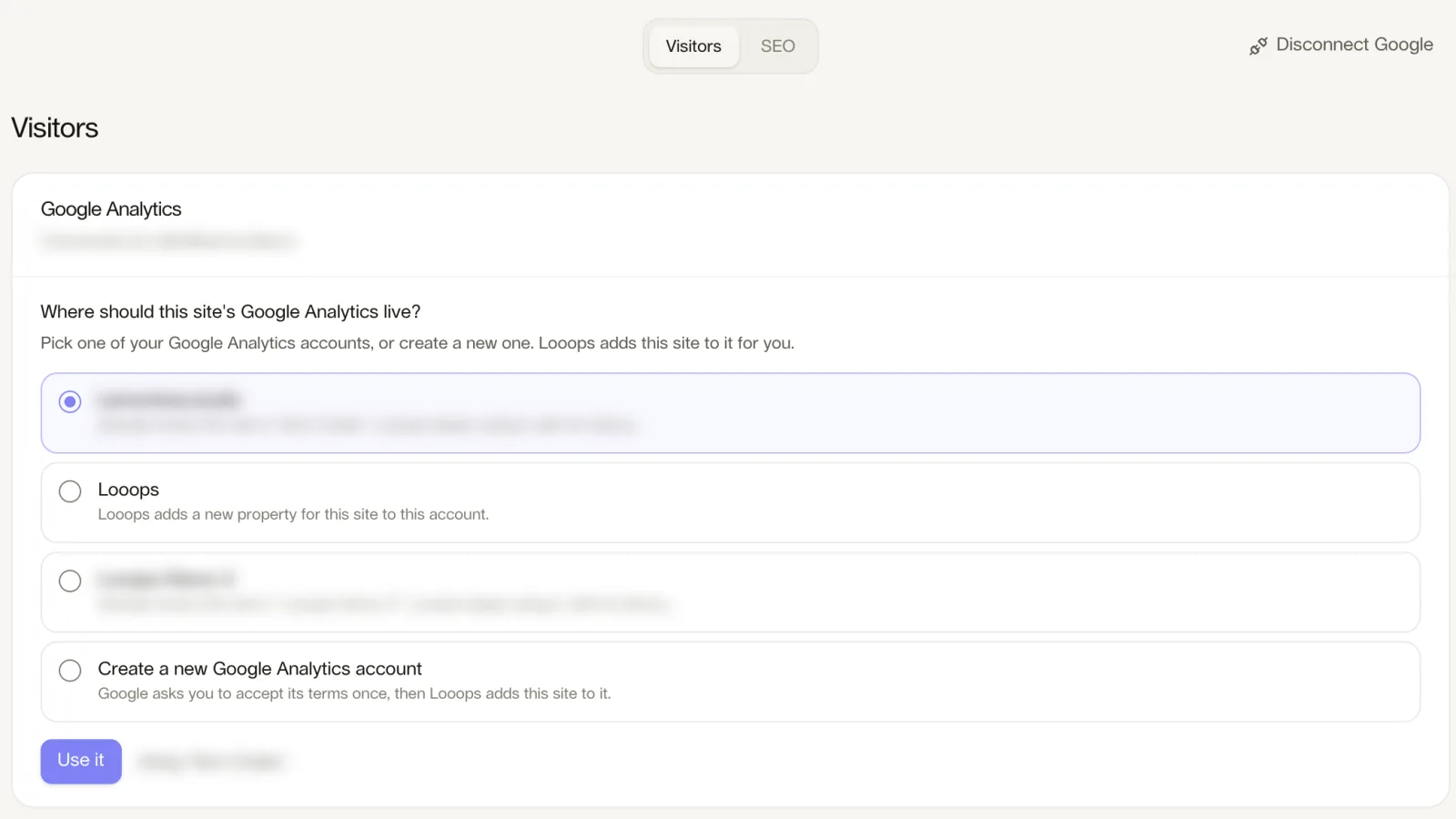
On Looops you open the Growth tab, press Connect Google and sign in. That is the whole setup.
If you already use Google Analytics for your site, Looops uses it. If you use it for other sites, Looops creates a new one for this site in your account. If you have never used it, Google asks you to accept its terms once, and Looops does the rest. The tag is added to every page of your published site within a couple of minutes, with no code in your site, so a redesign can never lose it.
| Step | The usual way | On Looops |
|---|---|---|
| Create the account and property | by hand, in Google Analytics | done for you, in your own account |
| Find the measurement ID | copy it from the settings | not needed |
| Add the code to every page | paste it into the site | added for you, outside your site's code |
| See the numbers | in Google Analytics | in Looops, and in Google Analytics |
| Ask a question | search the reports | ask the Looops AI in plain words |
What you see, without opening Google Analytics
The numbers show right in the builder, under Growth → Visitors: visitors, new and returning, page views, engaged visits, time on site, a chart, the people on your site right now, how people found you, your top pages, devices, a countries map and the actions Google Analytics records. Pick any dates in the last 14 months and every number shows the change against the period before.
And you can ask. In the builder chat, "where do most of my visitors come from?" gets a plain answer from your real numbers.
A note on cookies
Google Analytics uses cookies. In some places, including the European Union, the United Kingdom and Switzerland, the law asks you to get visitors' consent before those cookies are used. That part is your responsibility as the site owner, just as it would be with any other way of adding Google Analytics. Visitors who block trackers or decline cookies are not counted, so Google Analytics usually shows somewhat fewer visitors than actually came.
See who visits your website
Google Analytics, set up in one click, with the numbers right in your builder.
Free plan available, no card required
Frequently Asked
Questions.
Keep reading
Ready to build your website?
Describe what you want and Looops builds it. Free to start, no card required.
Start building free