Best AI Website Builders for Small Businesses in 2026
By Sam Codes · · Updated · 10 min read
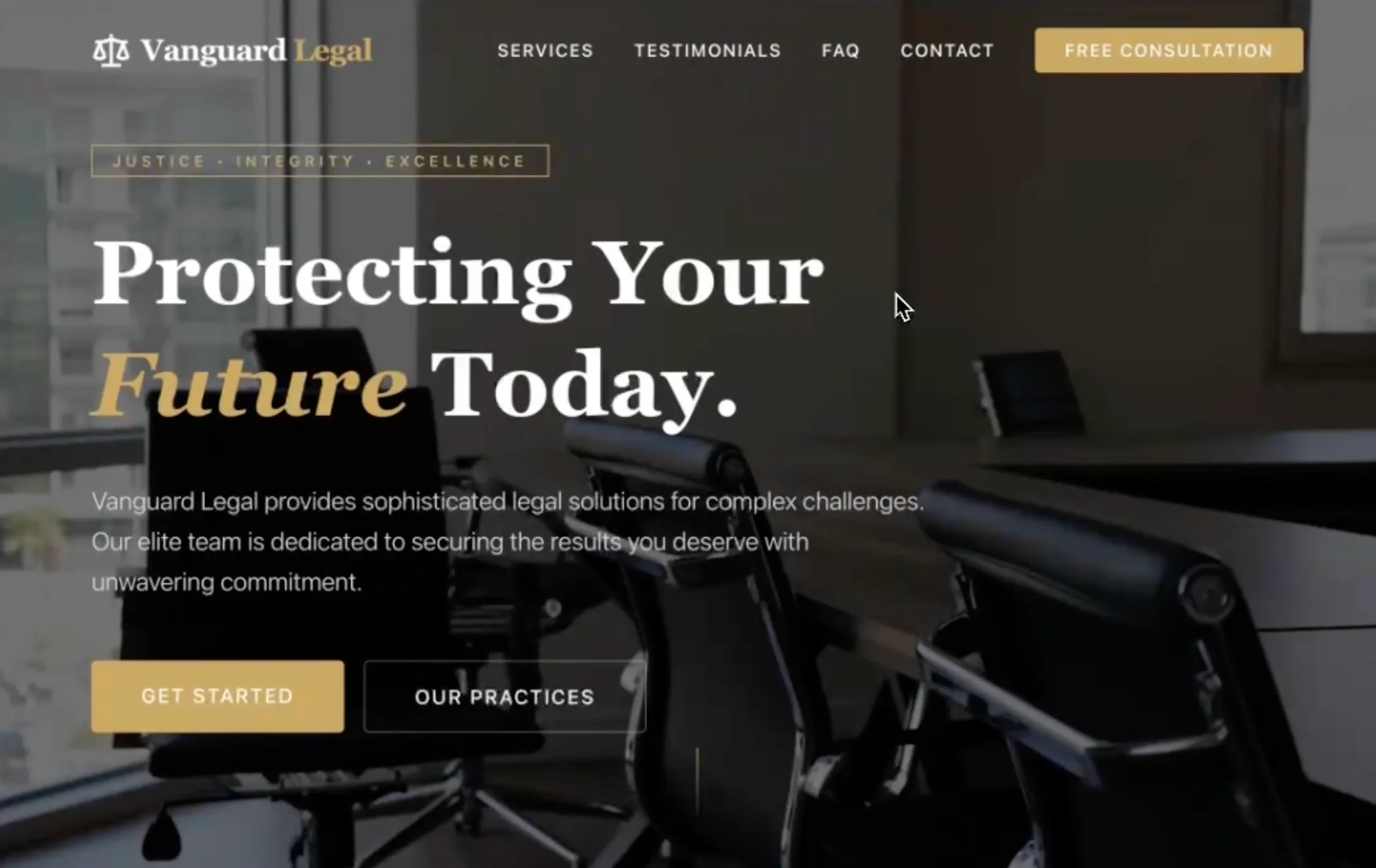
The best AI website builder for a small business is one that gets you a good-looking, findable site without requiring design skills or a developer. In 2026, the gap between tools is wide: some generate a complete, custom site from a plain-English description; others just rearrange a template for you.
This guide ranks the top options honestly, gives each a fair review, and tells you exactly who each tool is right for. Prices were verified September 2026.
How to pick an AI website builder as a small business owner
Before the ranked list, here is what actually matters for a small business:
- How much work does it save? The best AI builders generate a complete site from a description. Lesser ones just auto-select a template.
- Does it look like yours? Custom-looking results matter for trust. A site that screams "template" can hurt more than help.
- Will Google find it? The site needs to be mobile-friendly and structured for search from day one, not after you've paid for an SEO plugin.
- What does it cost to go live? Look at the first plan that removes ads and adds a custom domain, not just the base price.
- Do you own it? Some platforms lock your content and design to their system. Others let you take your site anywhere.
Quick comparison: top AI website builders for small businesses
All prices are the starting paid plan, billed annually, verified September 2026. Always confirm on each provider's site as plans change.
| Tool | Best for | Starting price | Free plan | Own your site |
|---|---|---|---|---|
| Looops | Non-technical owners who want a custom-looking site fast | ~$12/mo | Yes | Yes |
| Wix (ADI) | Familiar brand, lots of templates | ~$17/mo | Yes (ads) | No |
| Squarespace (Blueprint AI) | Polished templates, creative businesses | ~$19/mo | Trial only | No |
| Hostinger AI Builder | Tightest budget, AI-first | ~$3/mo intro (~$12/mo renewal) | No (money-back guarantee) | Partial |
| Durable | Instant basic business site | ~$22/mo | Yes (limited) | No |
| Framer AI | Design-forward marketing sites | ~$10/mo | Yes (limited) | No |
The best AI website builders for small businesses in 2026
1. Looops: best for non-technical owners who want a real, custom-looking site
Looops is built around one idea: describe what you want in plain English, and the AI builds a complete site for you, pages, layout, copy, and structure. You refine it by chatting or by clicking any element and saying what to change. There is no template grid to fight, no blocks to drag.
What separates Looops from the rest of this list is ownership. Once your site is built, you can download the whole thing and host it anywhere. It is also the only AI builder here with a built-in database and forms, so you can take bookings, collect leads, and manage content without bolting on a third-party tool.
The honest trade-off: Looops is newer, so it does not have the deep template libraries of Wix or Squarespace. It is at its best when you want AI to do the building rather than picking from a catalogue.
- Best for: restaurant owners, service businesses, consultants, and anyone who wants a genuinely custom look without touching a designer or learning a builder.
- Pro: describe your site in plain English and get a complete, custom-looking result in minutes.
- Pro: built-in database, forms, and a custom domain on paid plans.
- Pro: free to start, yours to keep (download and host anywhere).
- Pro: SEO-ready structure and mobile-friendly from the first build.
- Con: newer platform with a smaller template library than established competitors.
- Con: best if you want AI to build for you, not a hands-on drag-and-drop canvas.
- Price: free to start, paid from about $12/mo.
2. Wix (ADI): best for those who want a familiar brand with template depth
Wix has hundreds of millions of users for a reason. Its ADI (Artificial Design Intelligence) asks you a few questions and assembles a site from its template library. The result is a recognizable Wix layout you can then edit in the standard drag-and-drop editor.
ADI is a smart starting point, but it is not the same as a generative AI builder. You still end up in the Wix editor, adjusting blocks by hand. The platform is solid for most small business needs: a basic store, a booking widget, a blog. The cost climbs once you want ecommerce (requires the Core plan at $29/mo).
- Best for: business owners who want a well-known platform with a huge template library and plenty of app integrations.
- Pro: enormous ecosystem of templates, apps, and integrations.
- Pro: reliable hosting and domain management.
- Pro: free plan available (with Wix ads and a Wix subdomain).
- Con: ADI builds a starting point, not a finished custom site; you still edit by hand.
- Con: cannot download or move your site if you leave.
- Con: ecommerce requires the $29/mo Core plan.
- Price: free plan; paid from about $17/mo (Light plan, billed annually).
3. Squarespace (Blueprint AI): best for polished templates and creative businesses
Squarespace's Blueprint AI asks about your style, business type, and content before generating a starting layout. The templates are genuinely beautiful, and the result feels more premium than most drag-and-drop builders out of the box.
It is a strong choice for photographers, restaurants, portfolio sites, and small shops that care about visual presentation. The limitations are real: you work within the template's structure, customization is constrained, and there is no free plan (just a 14-day trial).
- Best for: restaurants, creatives, photographers, and small shops that want a polished look with minimal effort.
- Pro: among the most beautiful templates available.
- Pro: Blueprint AI helps you get a cohesive starting design quickly.
- Con: you work within the template's structure; hard to break the mold.
- Con: no free plan, and ecommerce transaction fees on the Basic plan.
- Con: no site download or portability.
- Price: paid from about $19/mo (billed annually); 14-day free trial.
4. Hostinger AI Builder (formerly Horizons): best for the tightest budgets
Hostinger Horizons, the vibe-coding-style AI builder that generated and edited a site through conversation, was folded into Hostinger AI Builder in August 2026. AI credits now come bundled with a hosting plan instead of separate Horizons tiers, and the entry price is still one of the cheapest ways to get an AI-built site online.
The trade-off is a credit system (each AI request costs a credit), and the low headline price is an introductory rate that renews at the regular price. Customization depth is thinner than Looops or Wix, and code export works only from the AI mode, with no way back into the builder.
- Best for: budget-conscious owners who mainly need a simple presence online and are comfortable with a credit-based model.
- Pro: very low starting price (about $3/mo introductory, about $12/mo at renewal).
- Pro: AI-first interface, hosting included.
- Con: credit-based prompting can feel limiting for heavy customization.
- Con: results can feel templated compared to more advanced AI builders.
- Con: no free plan (a 14-day trial and a 30-day money-back guarantee instead); one-way code export from the AI mode only.
- Price: about $3/mo introductory (Premium plan, billed annually), renewing at about $12/mo.
5. Durable: best for getting a basic business site live immediately
Durable is built for speed: it generates a basic business site in seconds, adds a CRM, invoicing, and AI marketing tools in one bundle. If you need something presentable live today, Durable delivers.
The downside is that the sites are shallow to customize and feel noticeably similar to each other. It is a good fit for a service business that needs a placeholder site, less good for a restaurant that needs a real menu or a store that needs product pages.
- Best for: solo service providers and local businesses that want something presentable live in minutes.
- Pro: generates a site in seconds; bundled CRM and invoicing.
- Pro: free plan (durable.site subdomain, limited AI and images).
- Con: limited customization; sites can look similar to each other.
- Con: no site download or portability.
- Price: free plan; Launch plan from about $22/mo (billed annually).
6. Framer AI: best for design-forward marketing sites
Framer AI generates a polished marketing site with animations and modern visual design from a prompt. It is a favorite of designers and tech-savvy founders who want something that looks cutting-edge.
For most small business owners, Framer is more tool than they need. It rewards design instinct; without it, the result often needs significant manual work. It is also weaker at content-heavy sites and has no built-in ecommerce or database.
- Best for: designers, tech-forward founders, and marketers who want a sleek, animated landing page or marketing site.
- Pro: fast performance and beautiful AI-generated designs.
- Pro: free plan available (limited, with Framer branding).
- Con: needs design instinct to get the best results.
- Con: no built-in ecommerce, database, or forms.
- Con: workspace seats are priced separately, so teams pay more.
- Price: free tier; paid from about $10/mo (Basic, billed annually).
A note on app builders (Lovable, Bolt, and similar)
Tools like Lovable and Bolt are app builders, not website builders. They generate full-stack web applications from a description, which is powerful for SaaS products, internal tools, and complex apps.
For a small business website, they are usually the wrong tool: the output is a React application that needs deployment know-how to publish, and the cost and complexity are higher than you need for a restaurant site or service business presence. Stick to the tools above unless you genuinely need a custom web application.
How to choose
The right AI website builder for your small business comes down to three questions:
- Do you want AI to do the heavy lifting, or do you want to pick a template and fill it in? If the former, Looops or Durable. If the latter, Squarespace or Wix.
- How important is a custom look? Looops and Squarespace produce the most custom-feeling results. Durable and Wix ADI lean on recognizable patterns.
- Will you stay on the platform forever? If there is any chance you want to move, migrate, or hand the site to a developer later, choose a builder that lets you own your site. Only Looops on this list offers a full site download.
Get your small business online today
Describe what you want and Looops builds it. Free to start, no design skills needed.
Free plan available, no card required
Frequently Asked
Questions.
Keep reading
Ready to build your website?
Describe what you want and Looops builds it. Free to start, no card required.
Start building free